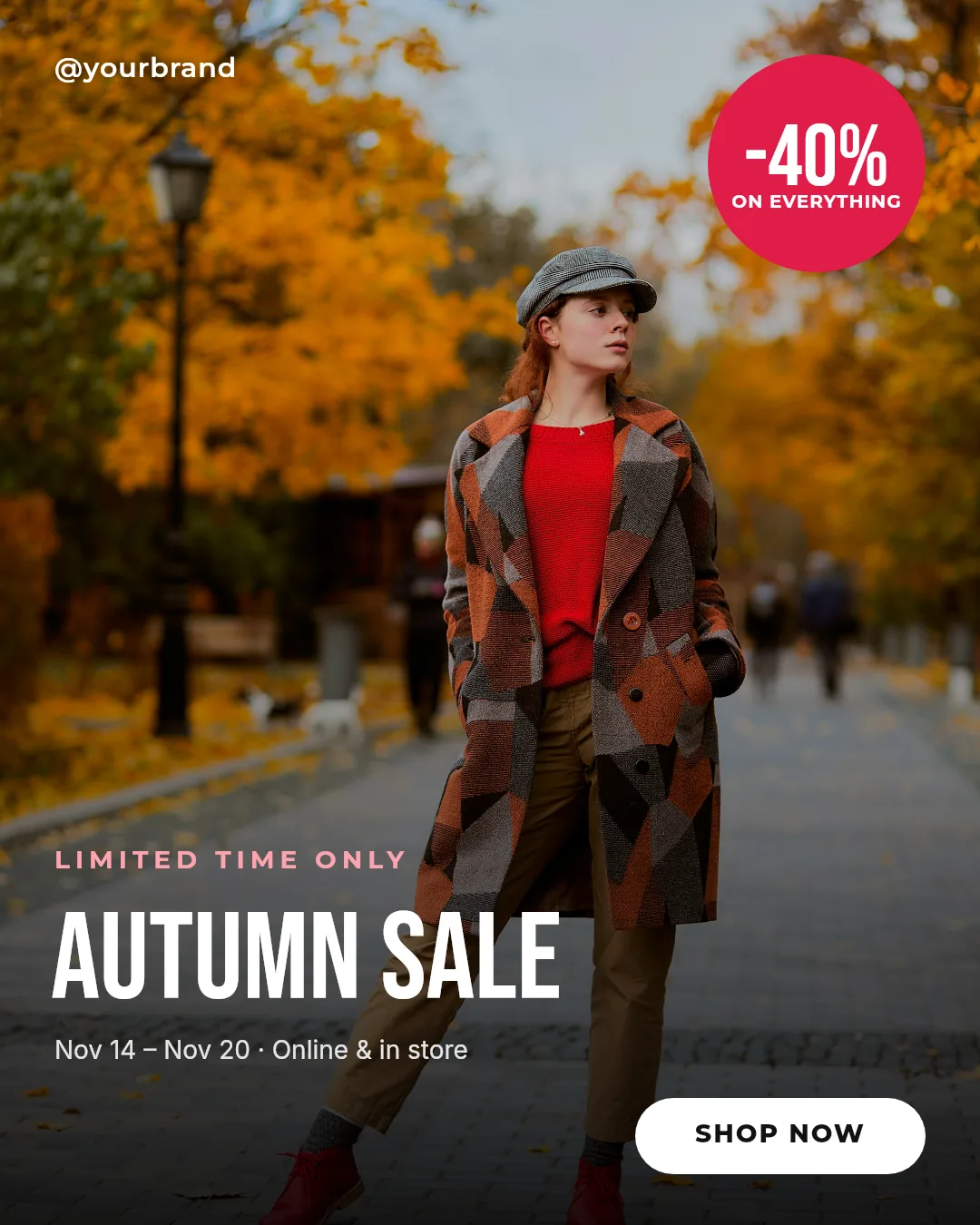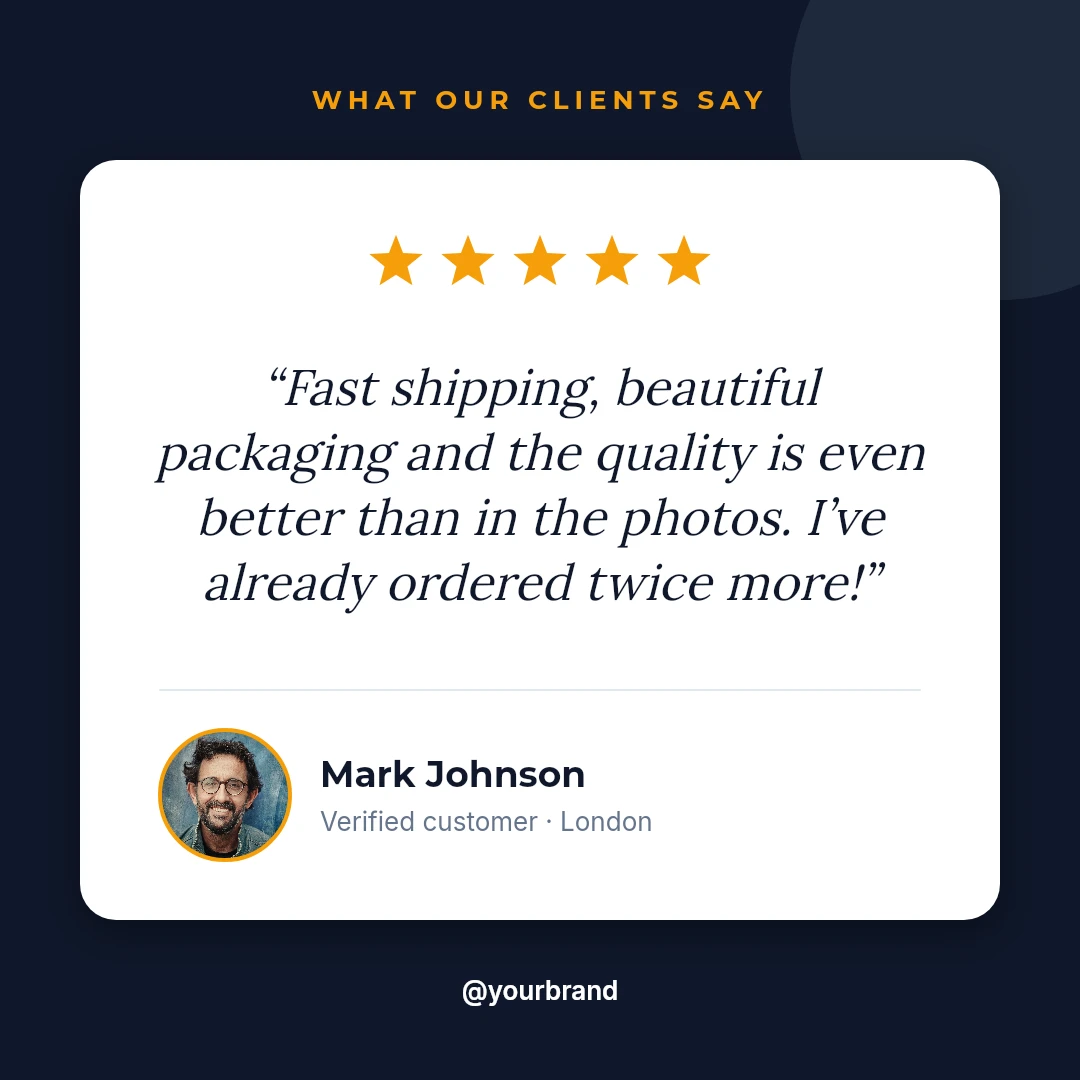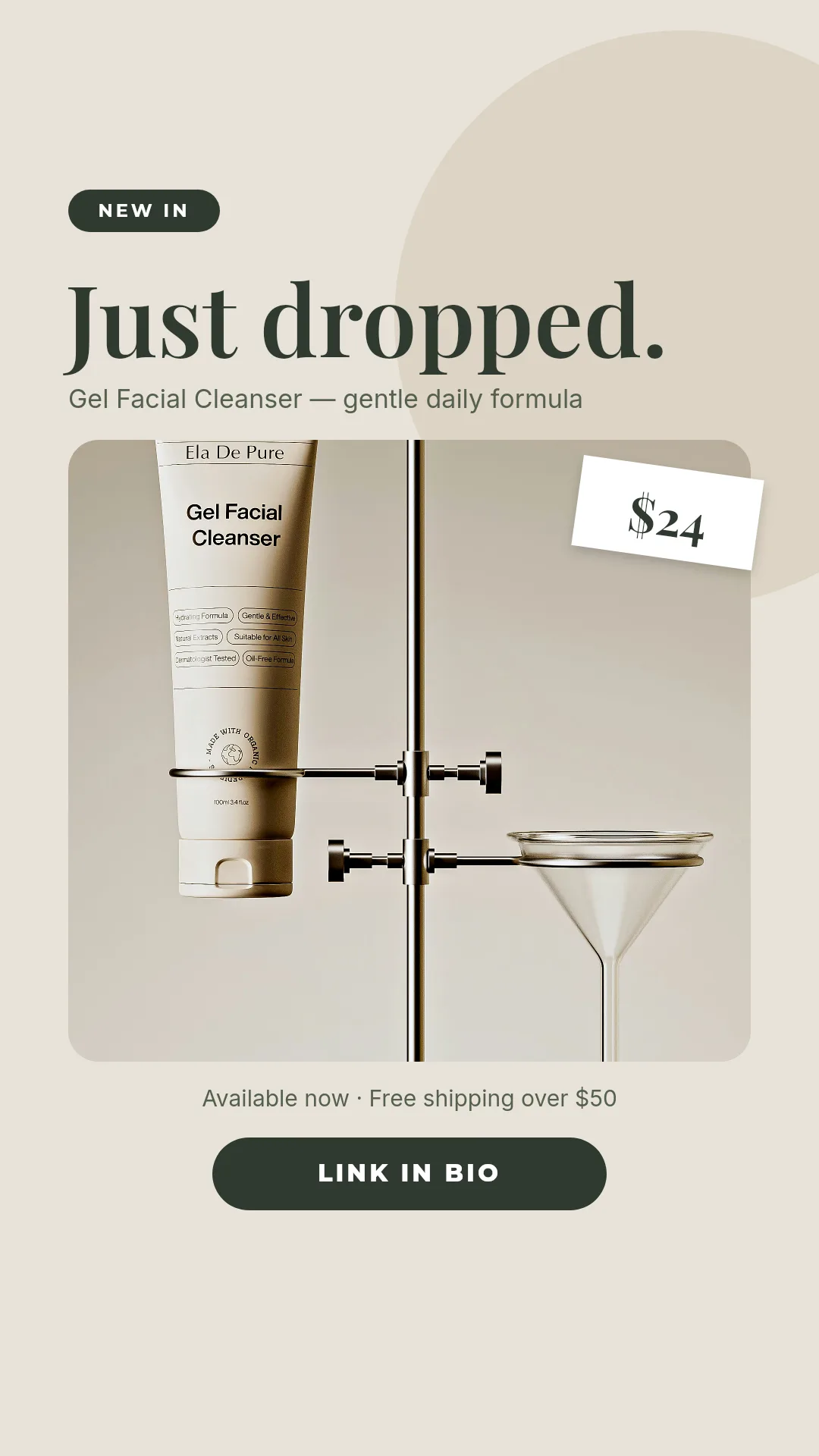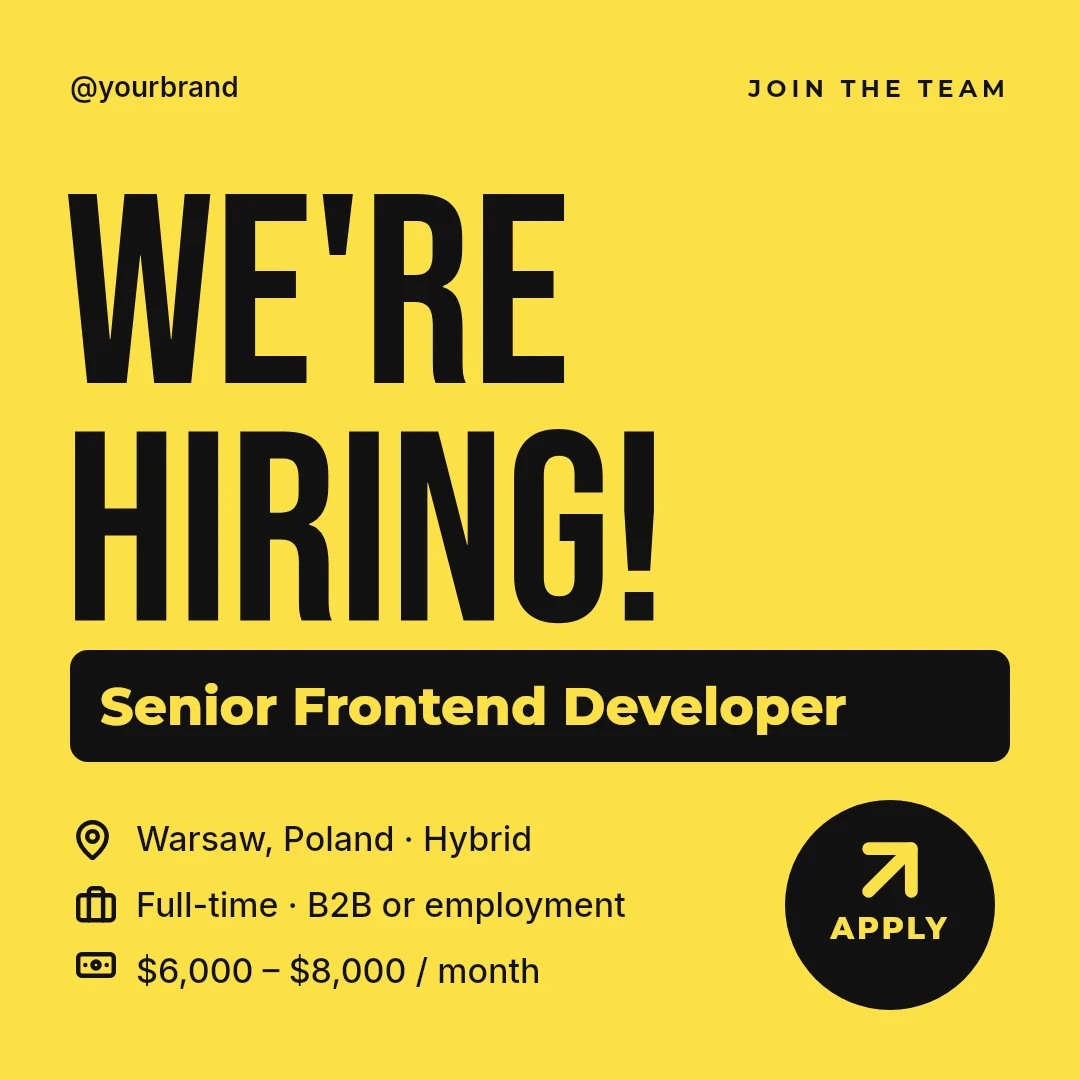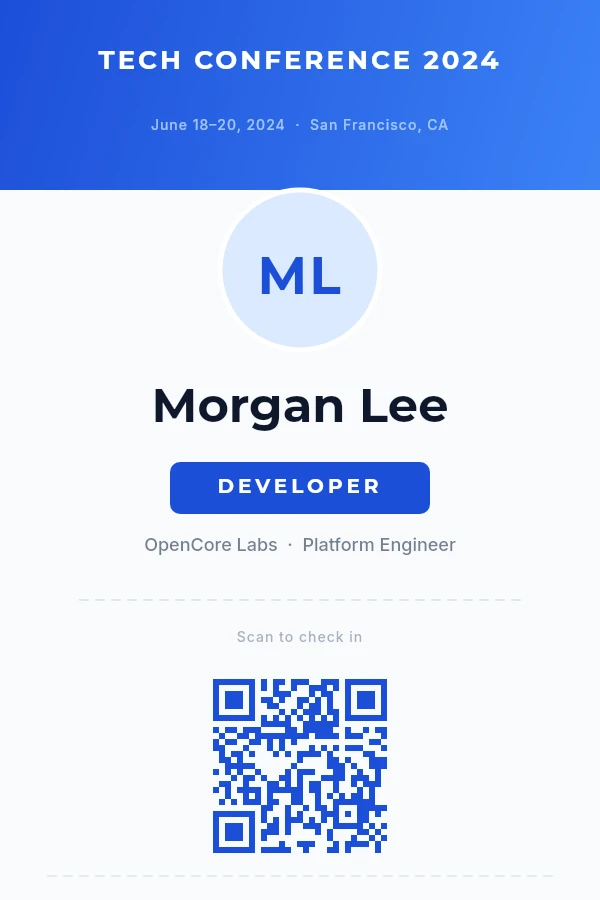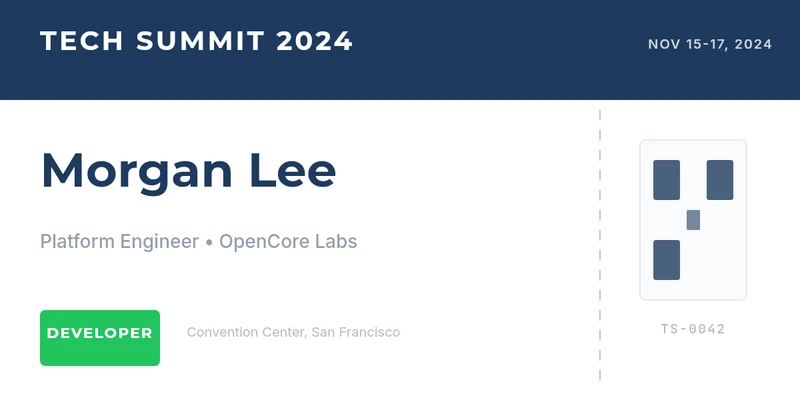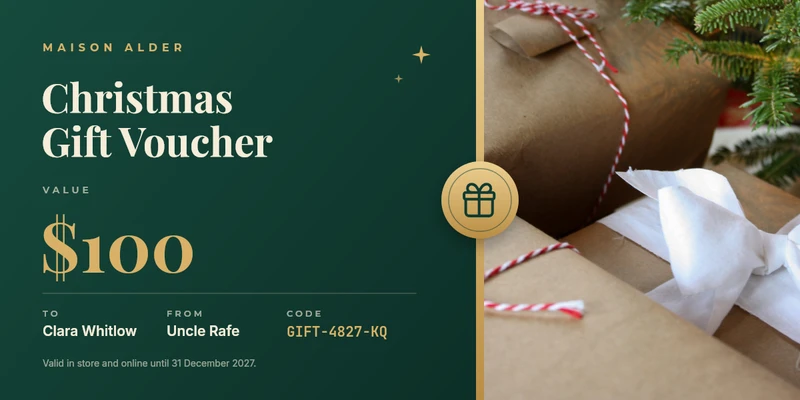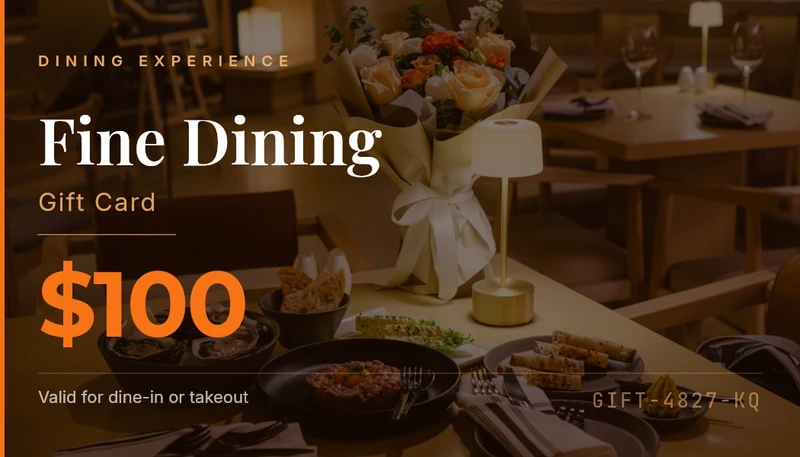
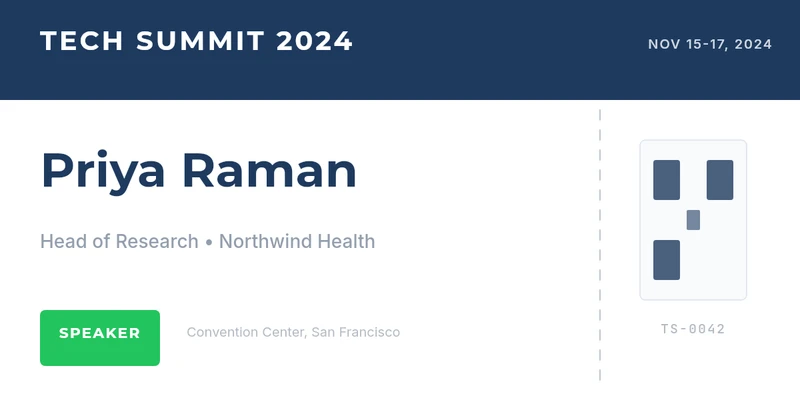
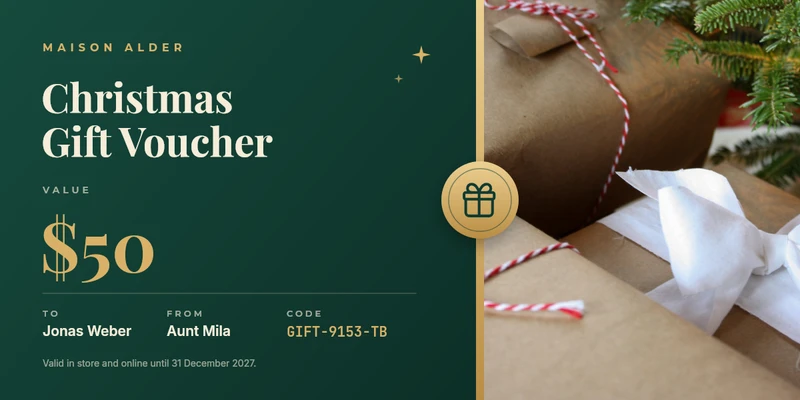
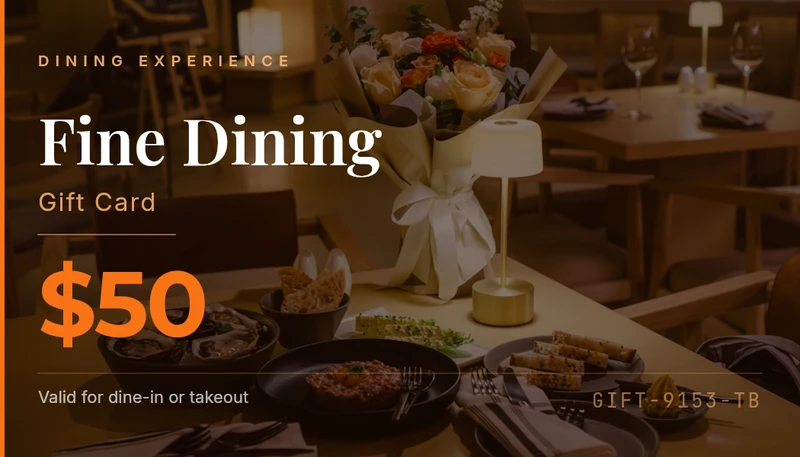
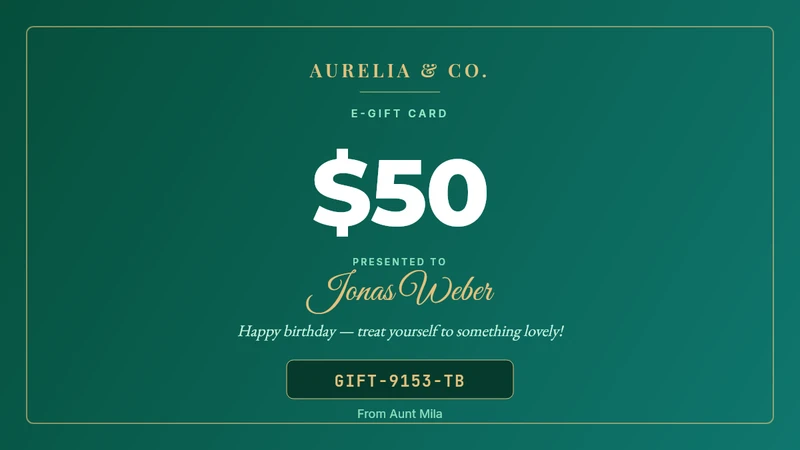
New Design templates by chatting with Claude or ChatGPT

Design it once. Get an image for everything you publish.

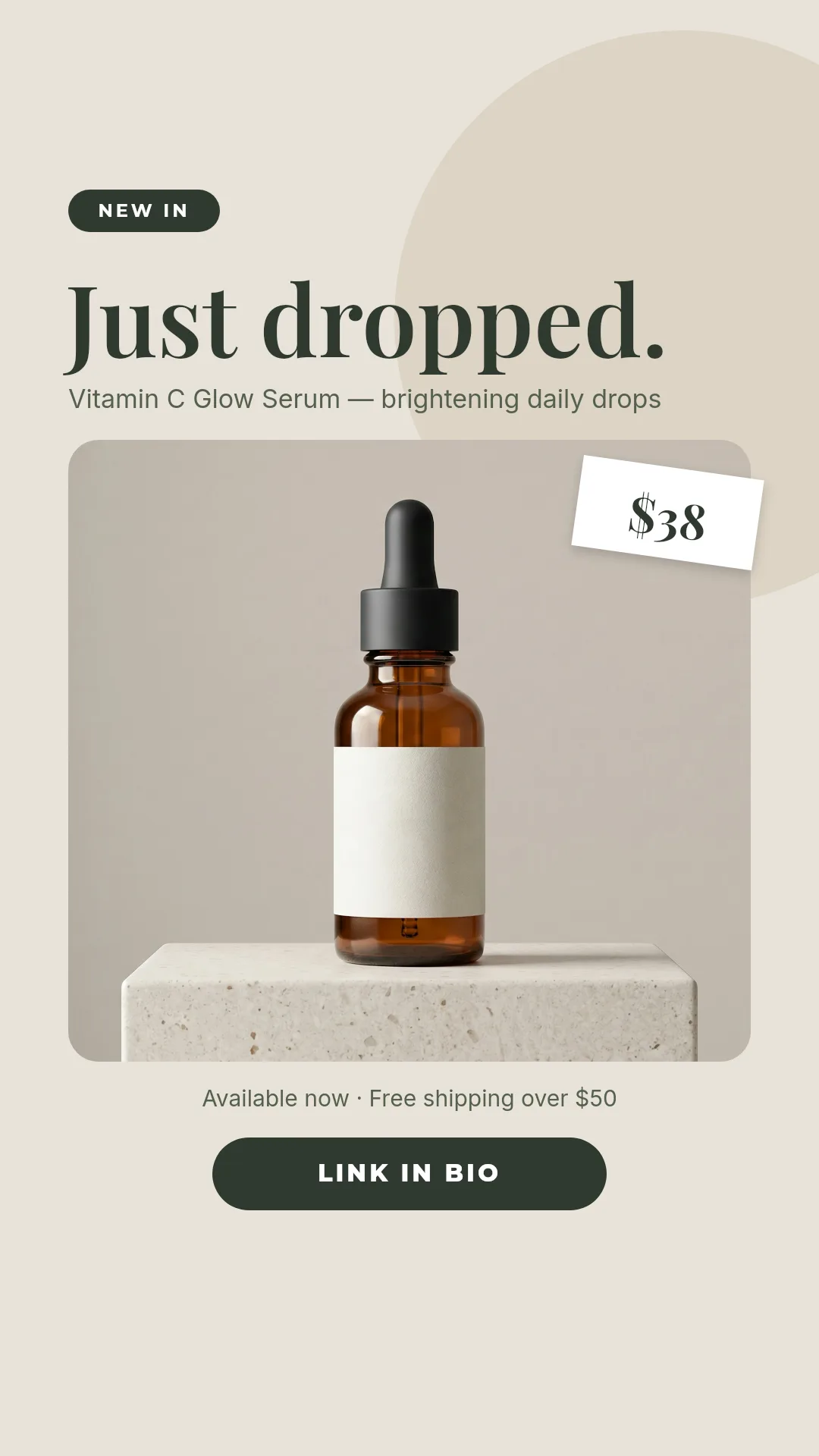
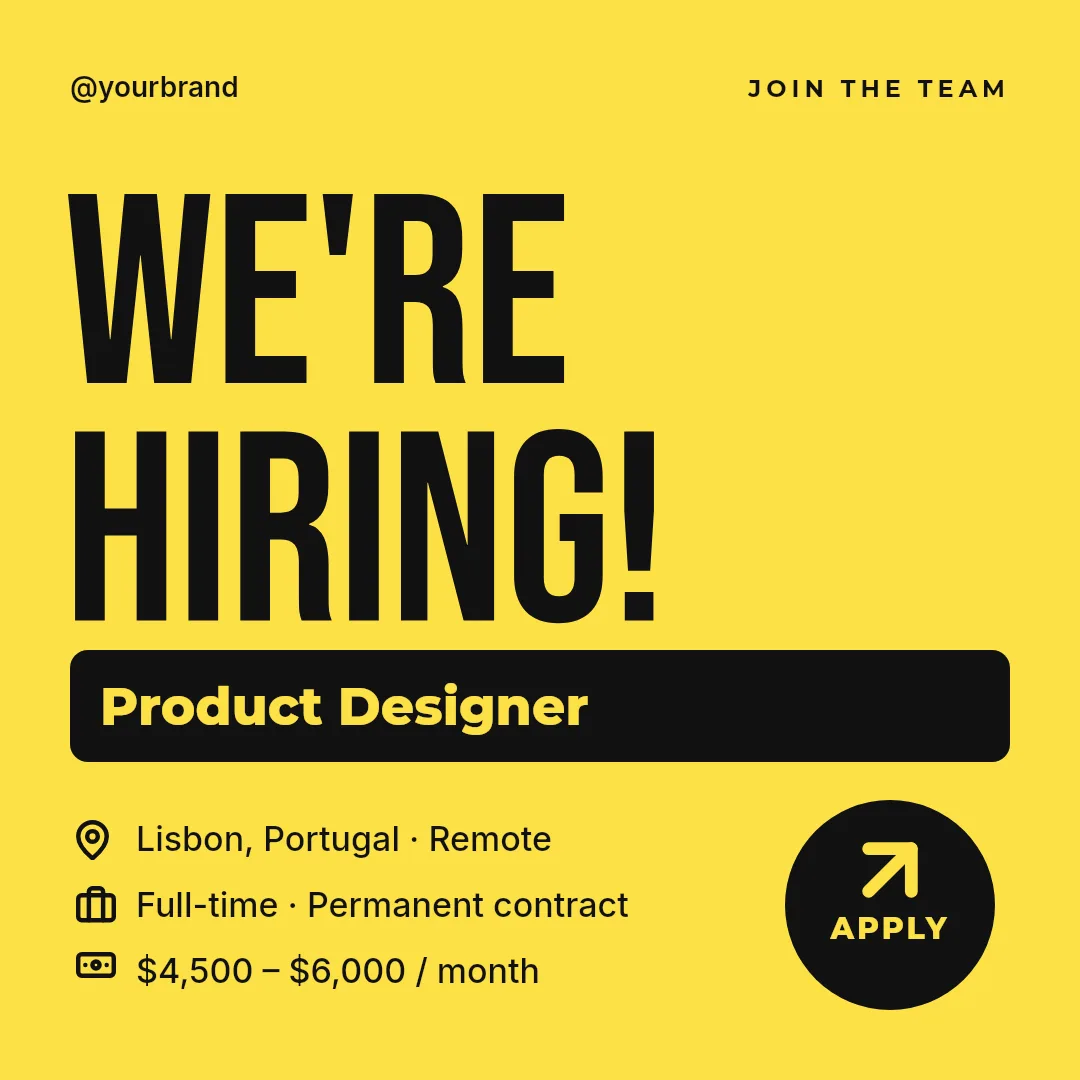
Make one template, or ask your AI assistant to make it. For each listing, product, episode, event or course, Zandovi fills in the names, prices and photos from your spreadsheet or your tools, in every size, on brand, in seconds.

100 free images every month · No credit card
One listing
Title
2-room flat by the metro 3-room flat with a garden
Price
$414,000 $640,000
Area
46 m² 78 m²
Photos
4 files 4 files
Link
QR code QR code
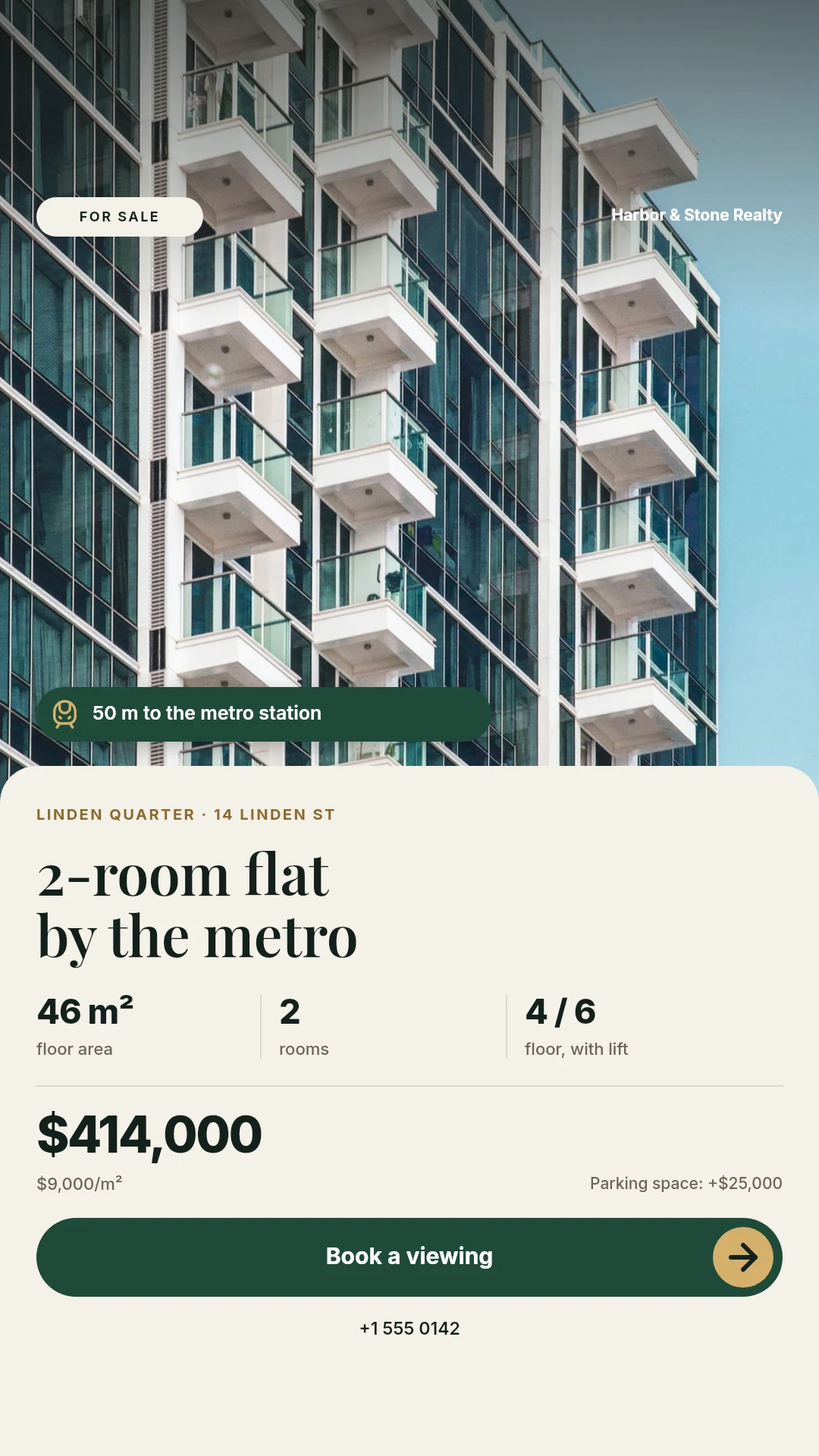
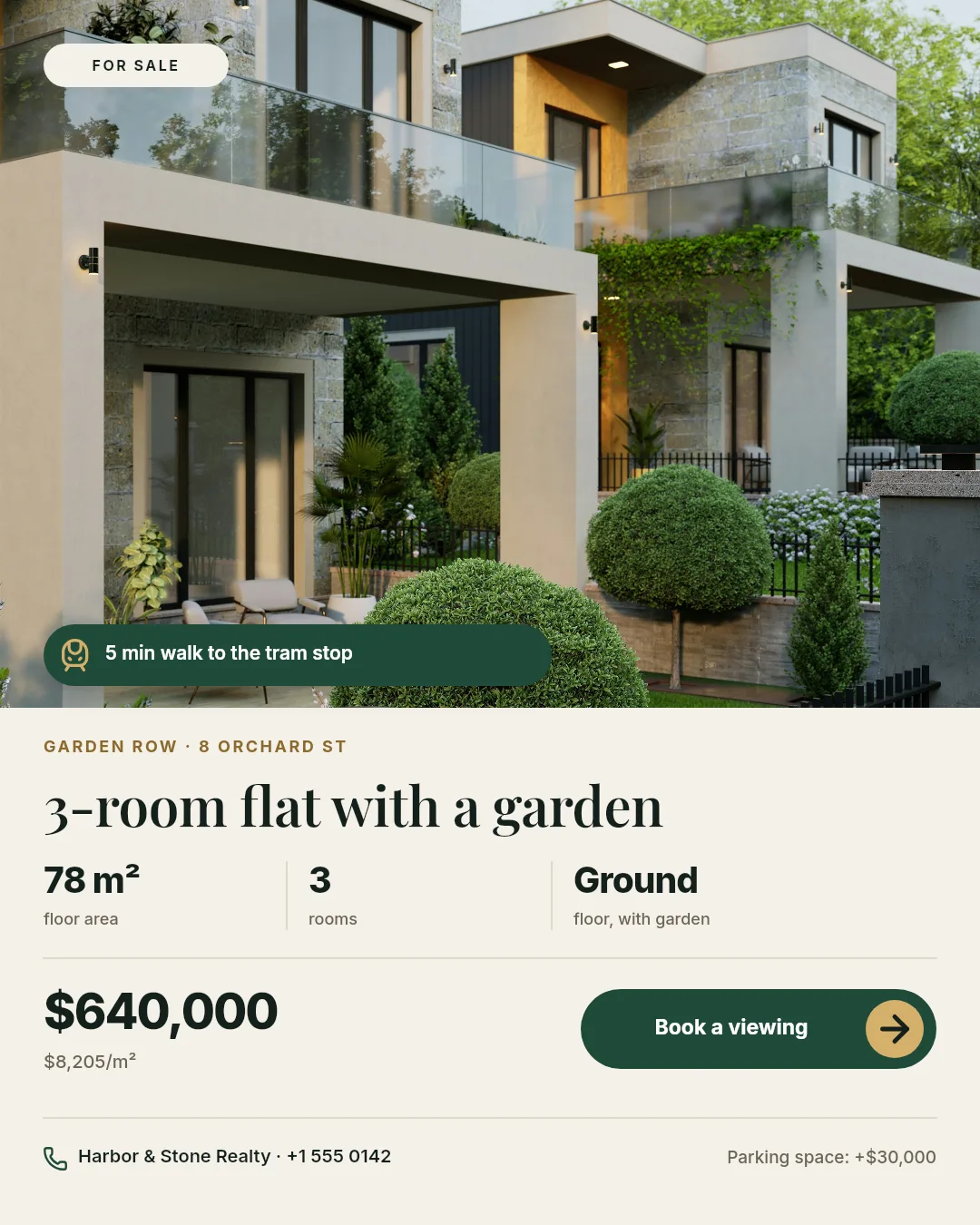
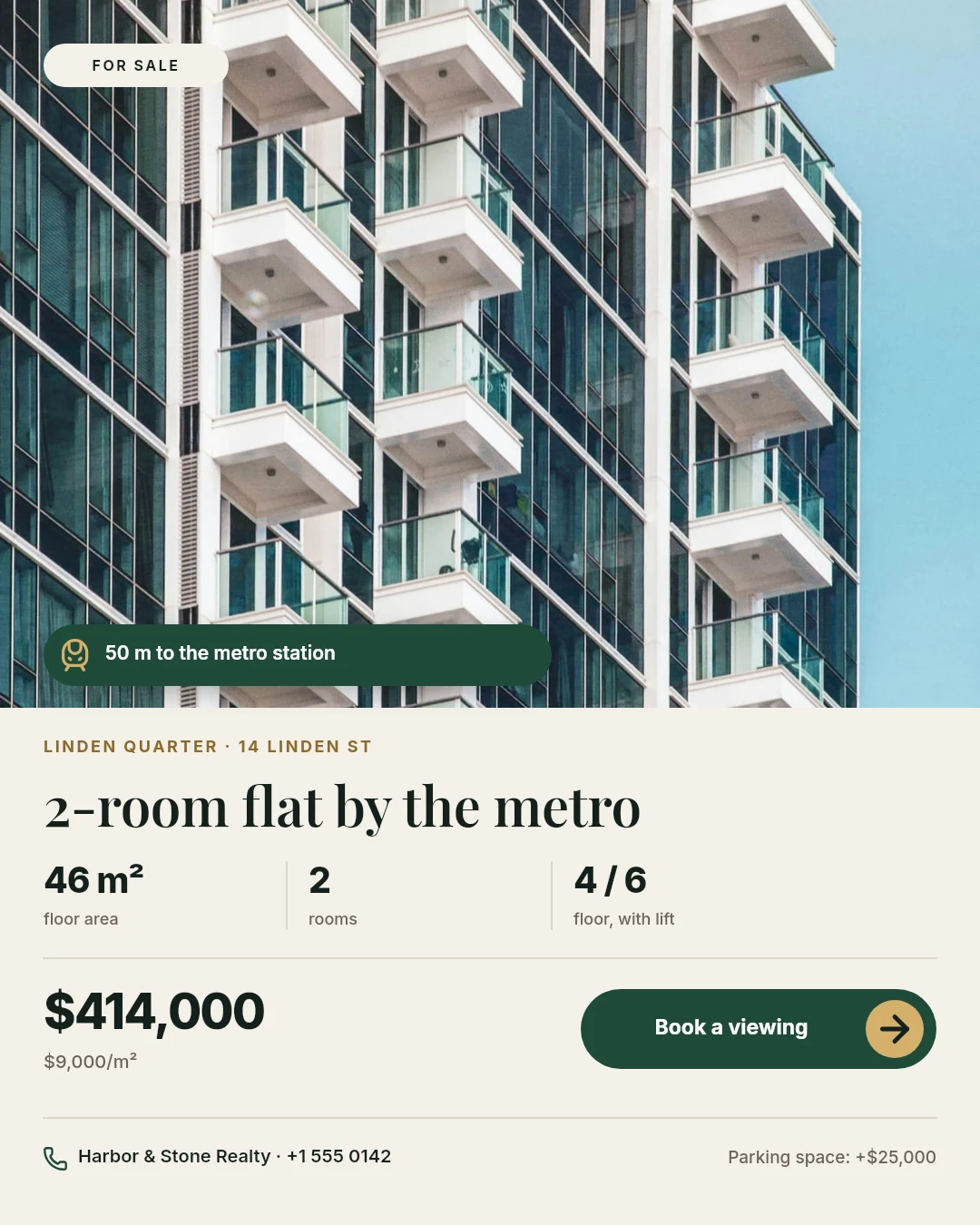
  • Instagram post for a 2-room flat for sale, with a photo of a glass apartment building, a metro-distance badge, three key facts, the price of $414,000 and a Book a viewing button
    Instagram and Facebook post
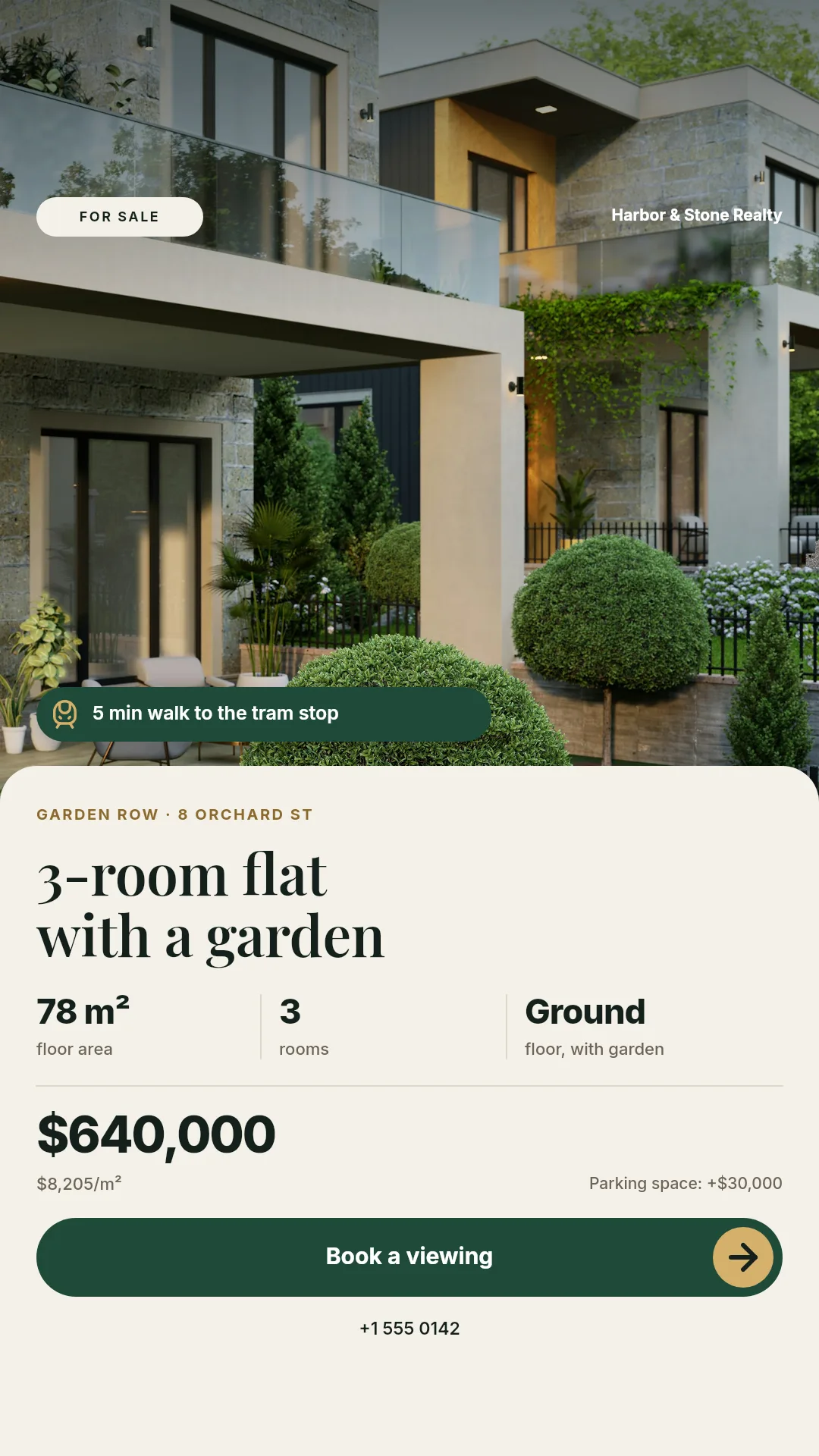
  • Instagram story for the same flat with the building photo, the title, three key facts, the price and a Book a viewing button
    Story
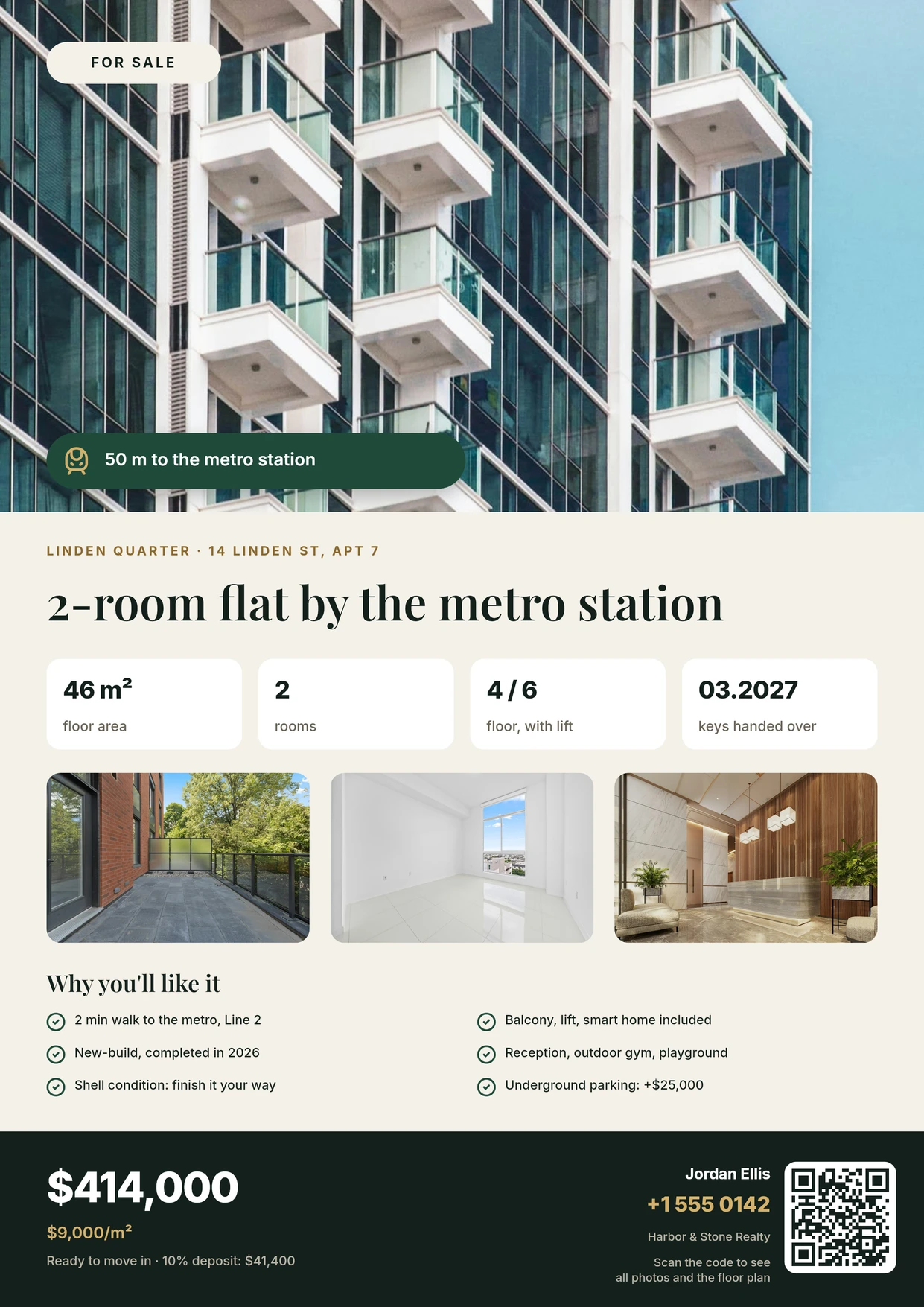
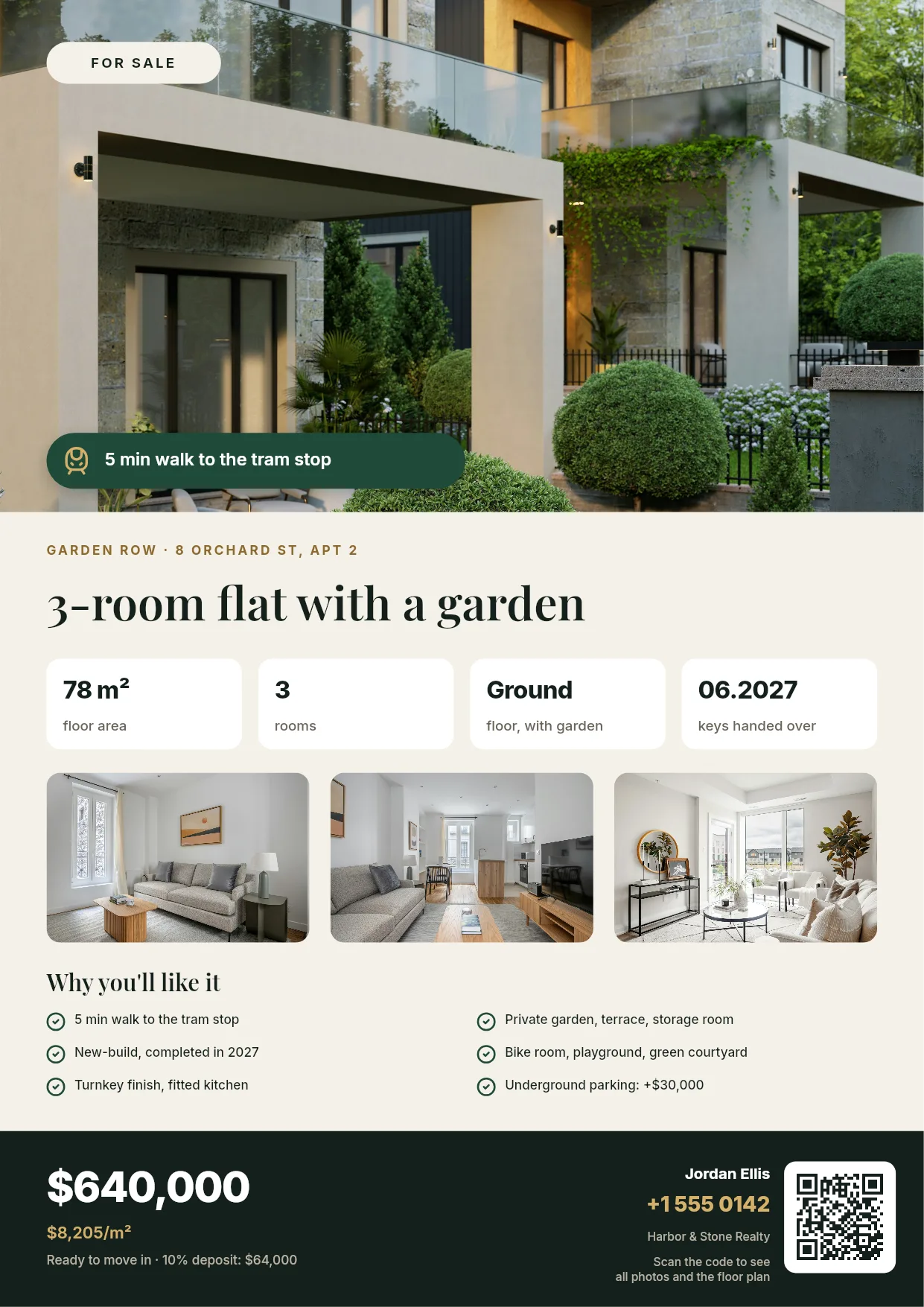
  • A4 flyer for the same flat with a building photo, four key facts, a three-photo gallery, six selling points, the price and the agent’s QR code
    A4 flyer
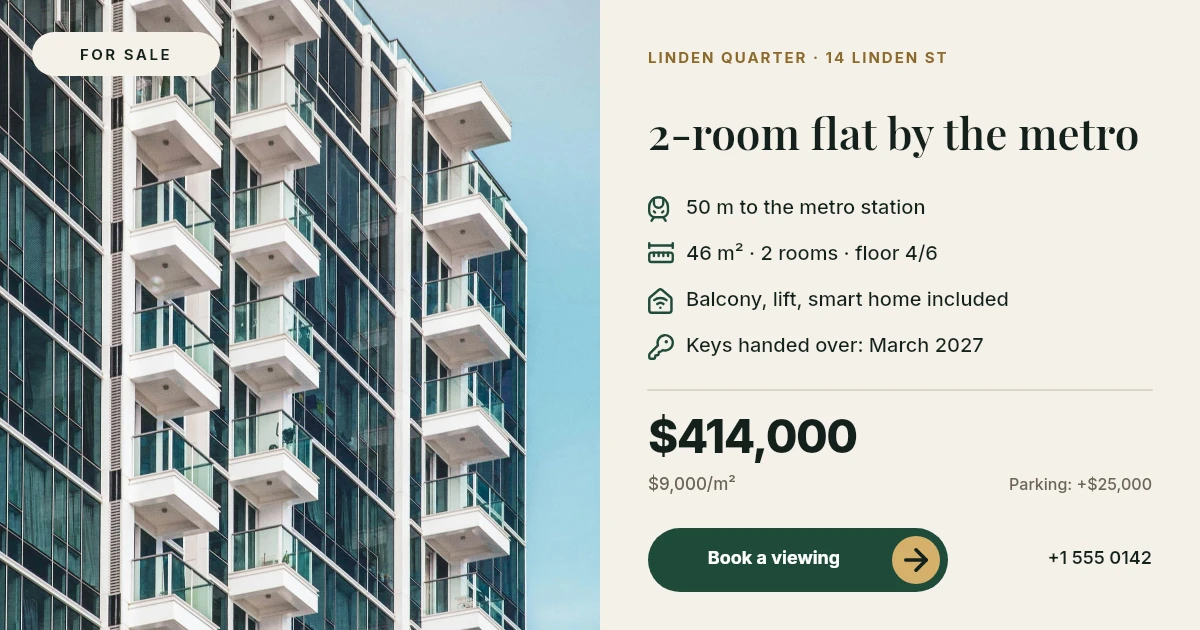
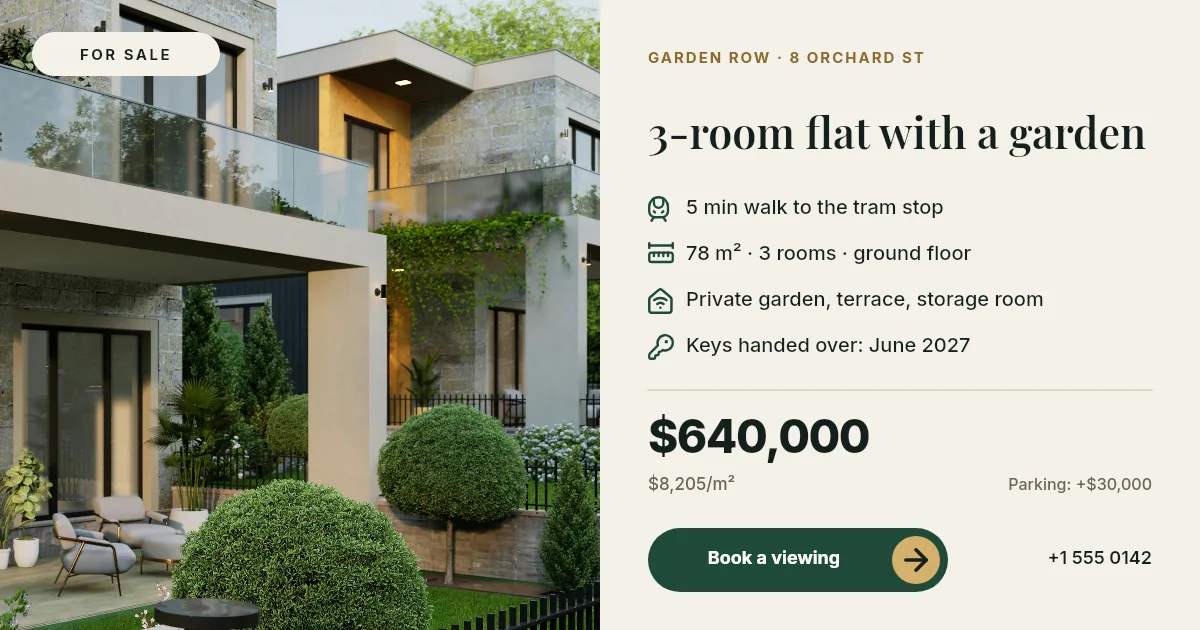
  • Wide web banner for the same flat with the building photo, four features, the price of $414,000 and a Book a viewing button
    Website banner and link preview

Each outlined field is a variable in the template, filled from your data. Change the listing and the same templates give new images.
See all real estate examples

Every image on this page was generated by Zandovi from a template and one row of data.

No designer needed

Paste a link. Get the whole campaign.

We gave Claude one apartment listing and asked for everything an agent needs. It designed the templates, checked them and saved them, ready to reuse for the next listing.
The whole brief
Here is my listing: [link]. Make an Instagram post, a story, a web banner, an A4 flyer and a business card. Keep every text and photo editable.
  • Five formats from one brief, including two print files at 300 DPI
  • Price, address, photos and QR code are fields, so the next listing takes seconds
  • Open any result in the editor and adjust it by hand
See the full real estate kit
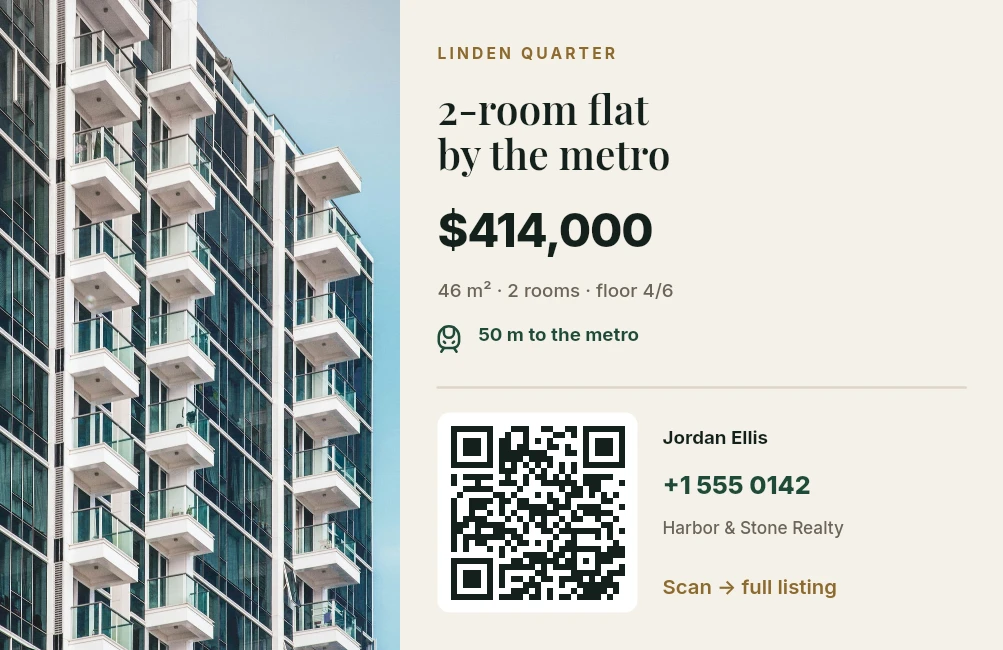
Instagram post for a 2-room flat for sale, with a photo of a glass apartment building, a metro-distance badge, three key facts, the price of $414,000 and a Book a viewing buttonInstagram story for the same flat with the building photo, the title, three key facts, the price and a Book a viewing buttonA4 flyer for the same flat with a building photo, four key facts, a three-photo gallery, six selling points, the price and the agent’s QR codeWide web banner for the same flat with the building photo, four features, the price of $414,000 and a Book a viewing buttonListing card for the same flat with the building photo, the price, key facts, a QR code and the agent’s phone number

Three steps, then it runs itself

  1. Get your template

    Start from 200+ ready templates, draw your own in the editor, or describe it to Claude or ChatGPT.

  2. Add your data

    Upload a spreadsheet, type the details by hand, or connect your tools with n8n or the API. Each row becomes an image.

  3. Download or publish

    Get PNG, JPG or print-ready PDF. One image or a whole ZIP, each one exactly as designed.

For online stores

Every customer gets their own image

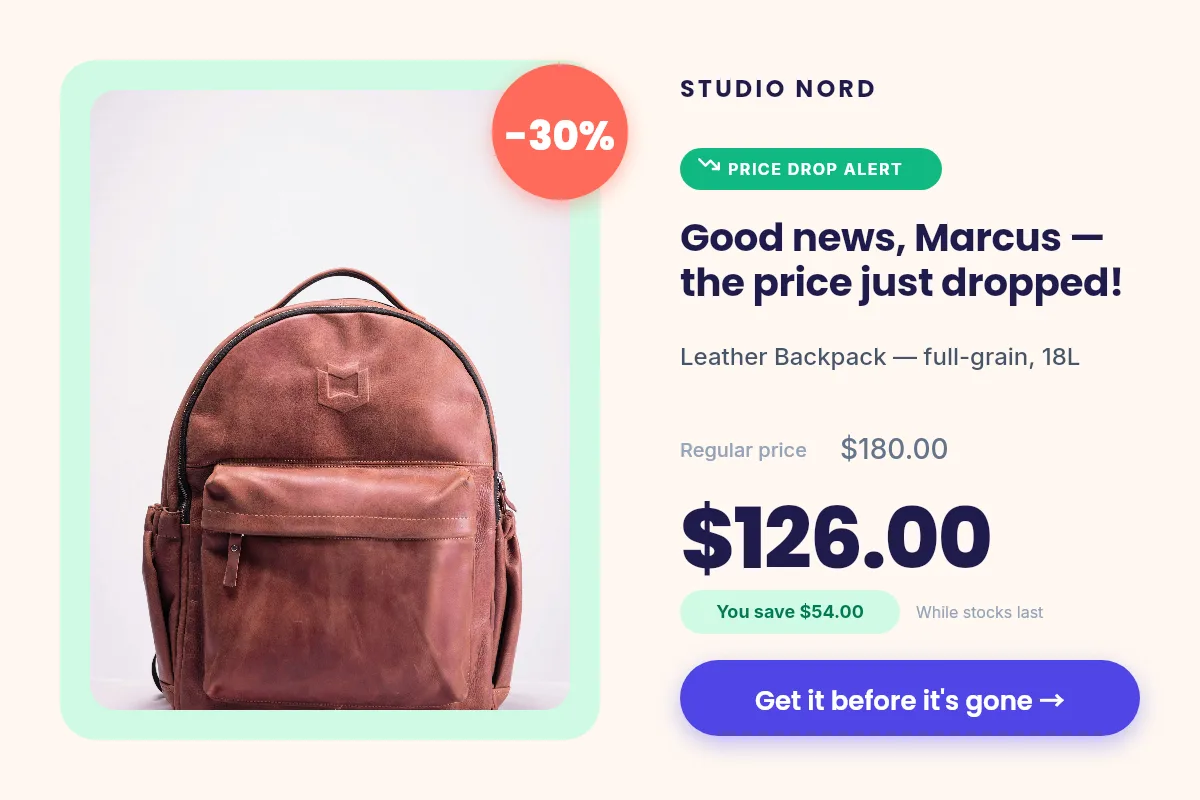
The name, the products left in the cart, the personal code and the points balance are drawn into the picture, so the email looks written for one person.

See the store templates
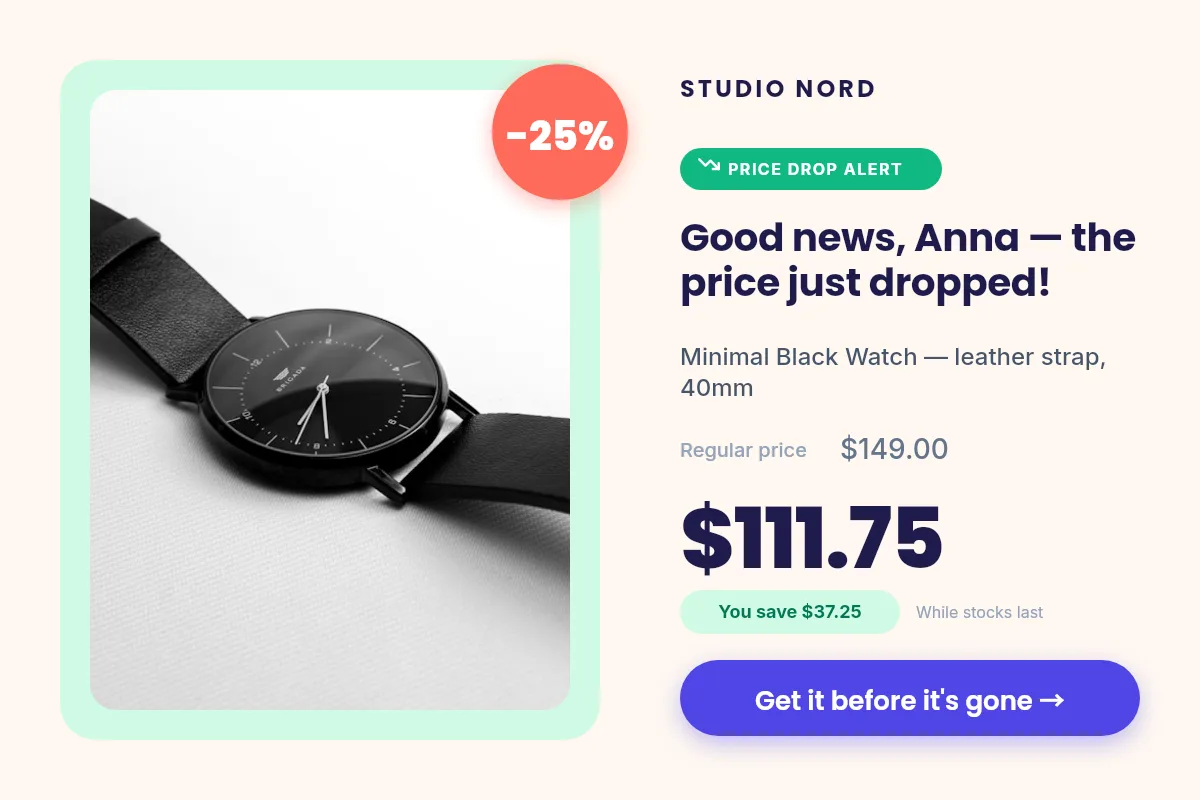
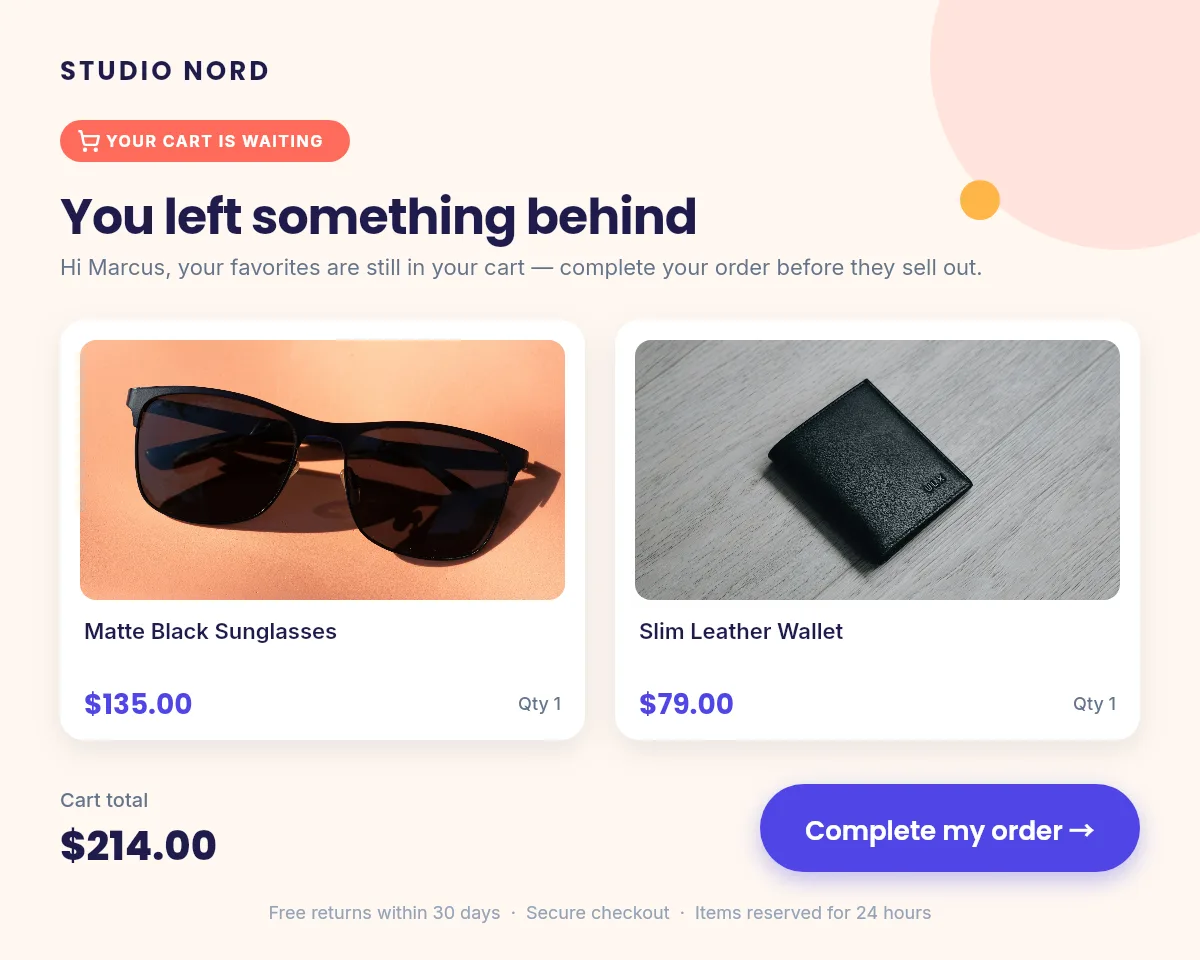
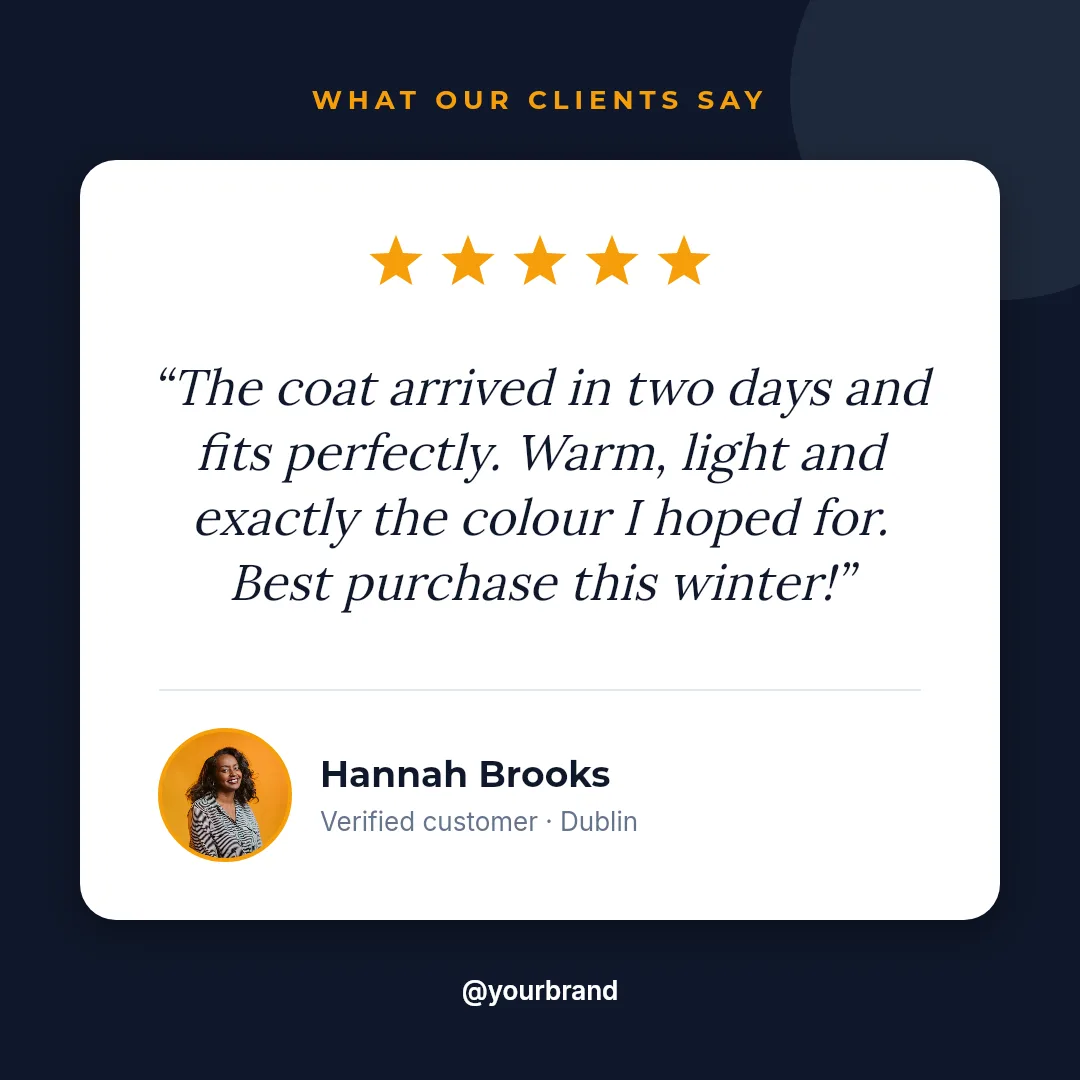
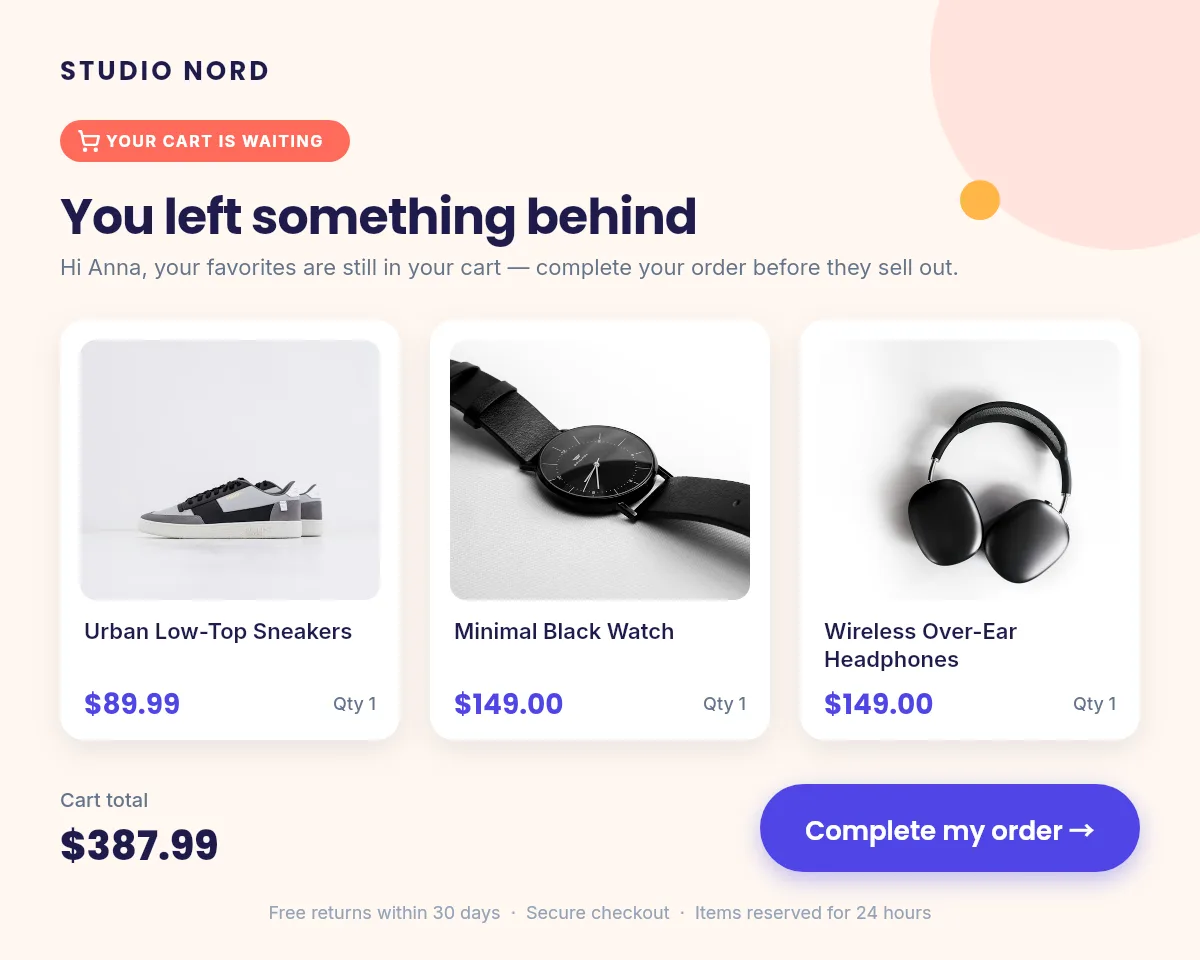
  • Abandoned cart email image showing three products, their prices and the cart total Abandoned cart
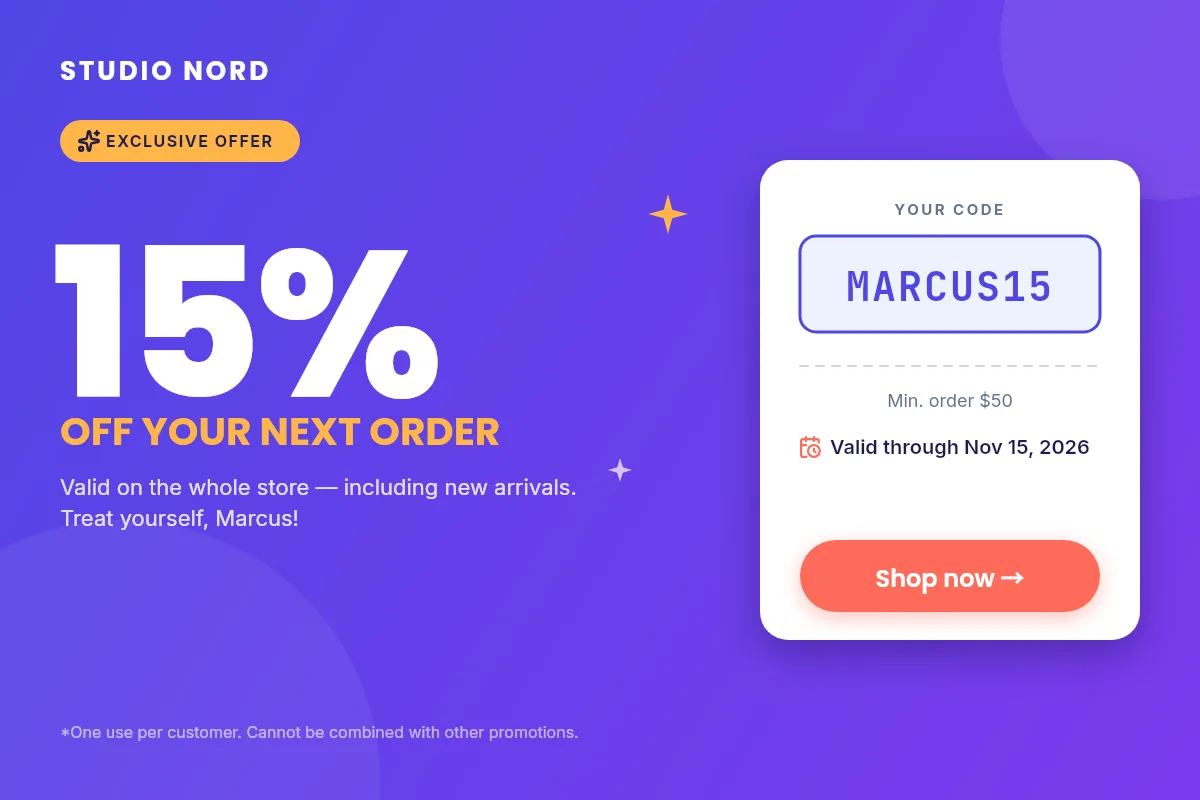
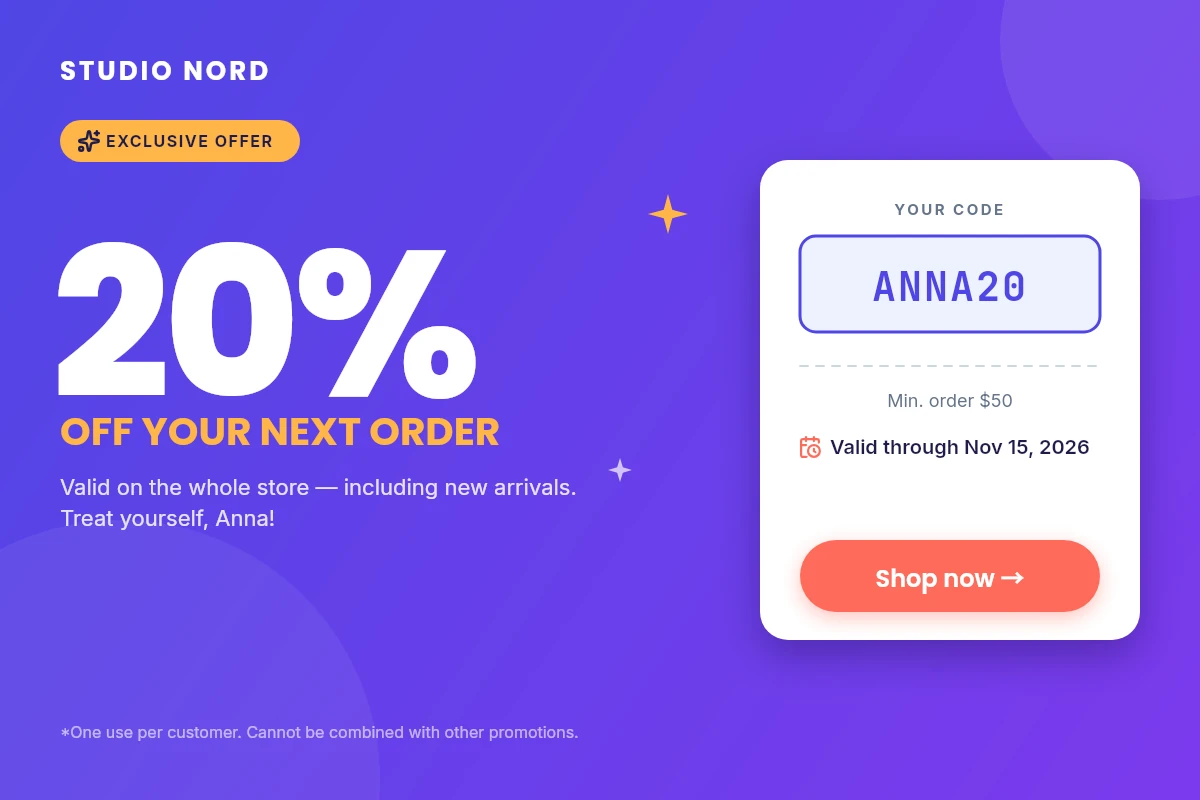
  • Coupon for 20 percent off with the personal code ANNA20 and an expiry date Personal coupon
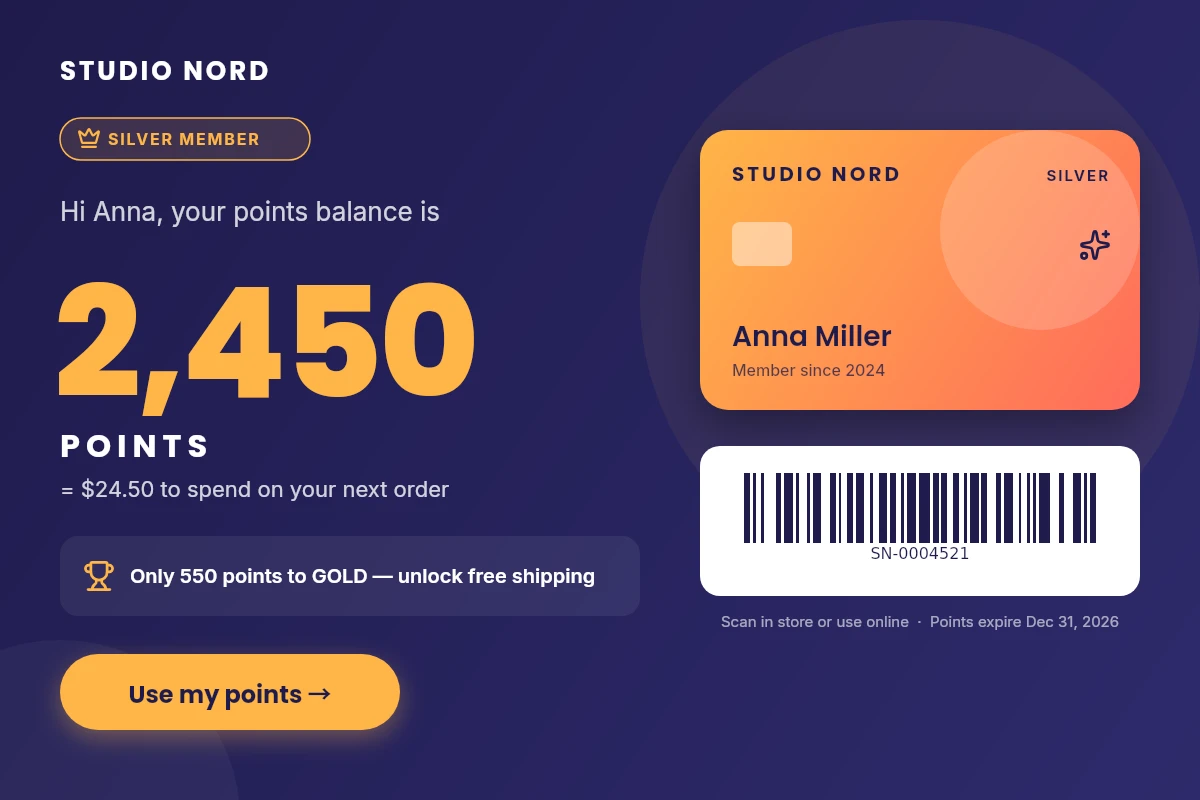
  • Loyalty points balance with a member card and a scannable barcode Loyalty balance
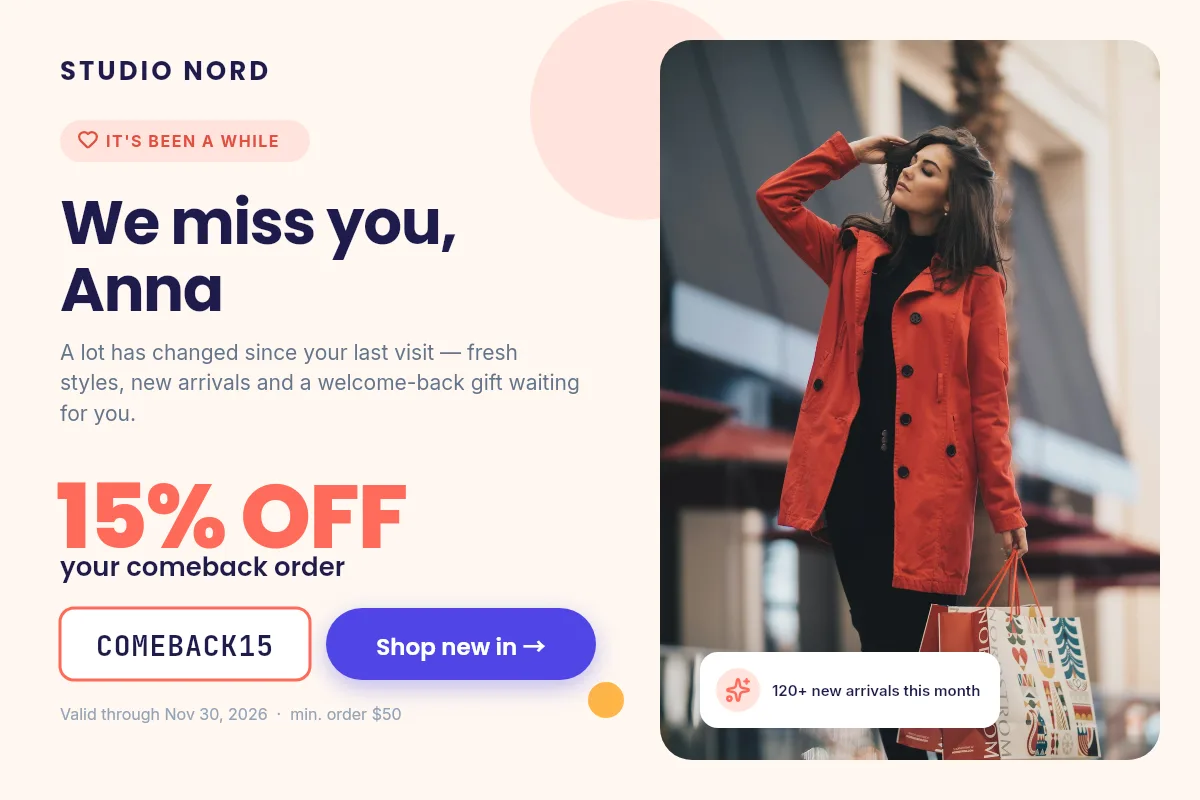
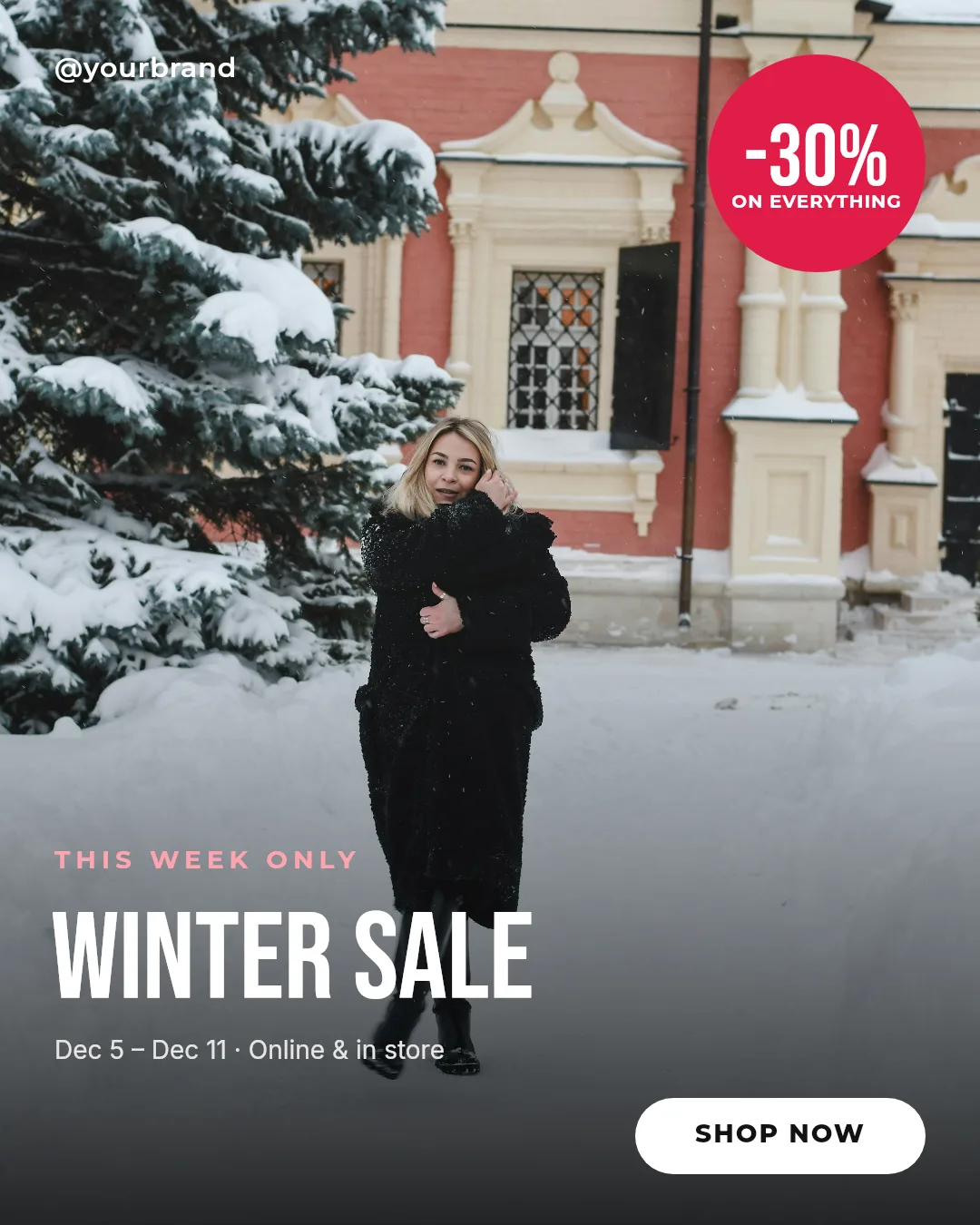
  • Win-back email image with a 15 percent comeback offer and a lifestyle photo Win-back offer
Sell in every market

One template. Every language.

Send the translated text and the local price. The layout, the brand and the code stay the same, so a campaign reaches every market on the same day.

  • Japanese, Korean, Chinese, Arabic, Hindi and every European alphabet
  • Local currencies, dates and accents drawn correctly
  • Ask your AI assistant to translate and render in one request
  • Store coupon in English English
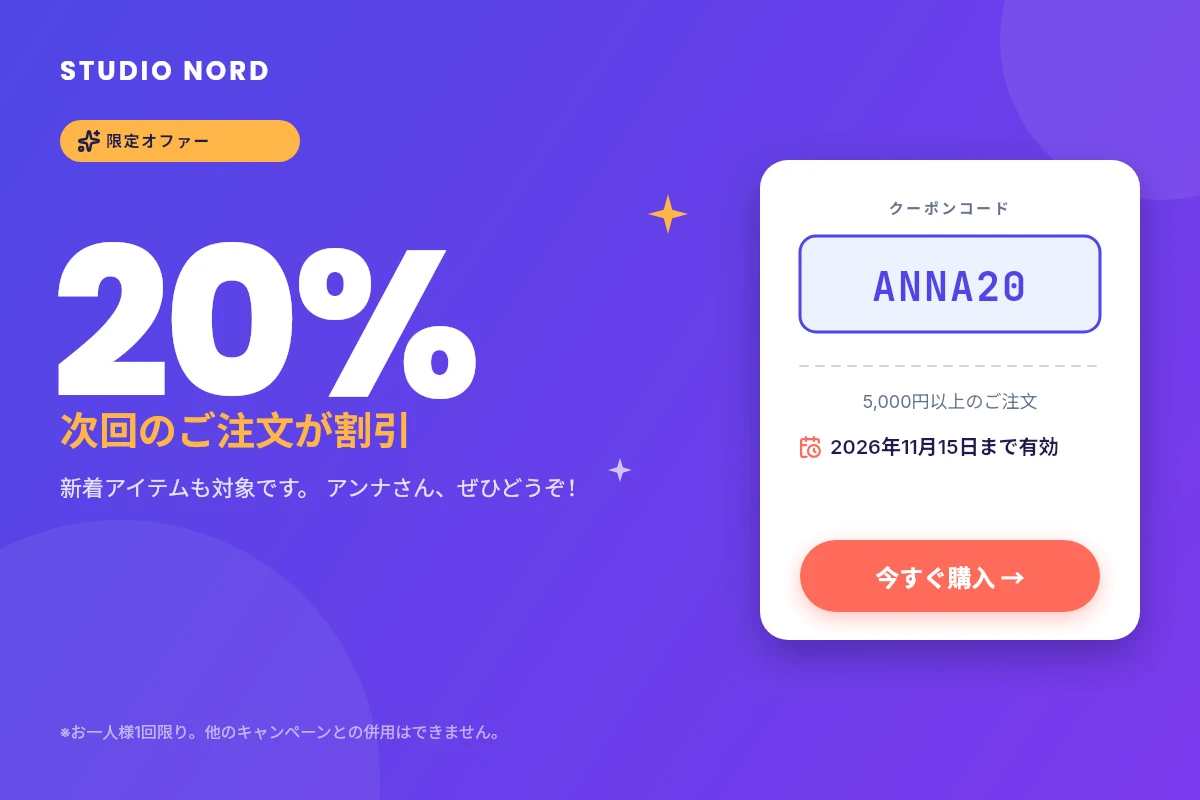
  • The same store coupon in Japanese Japanese
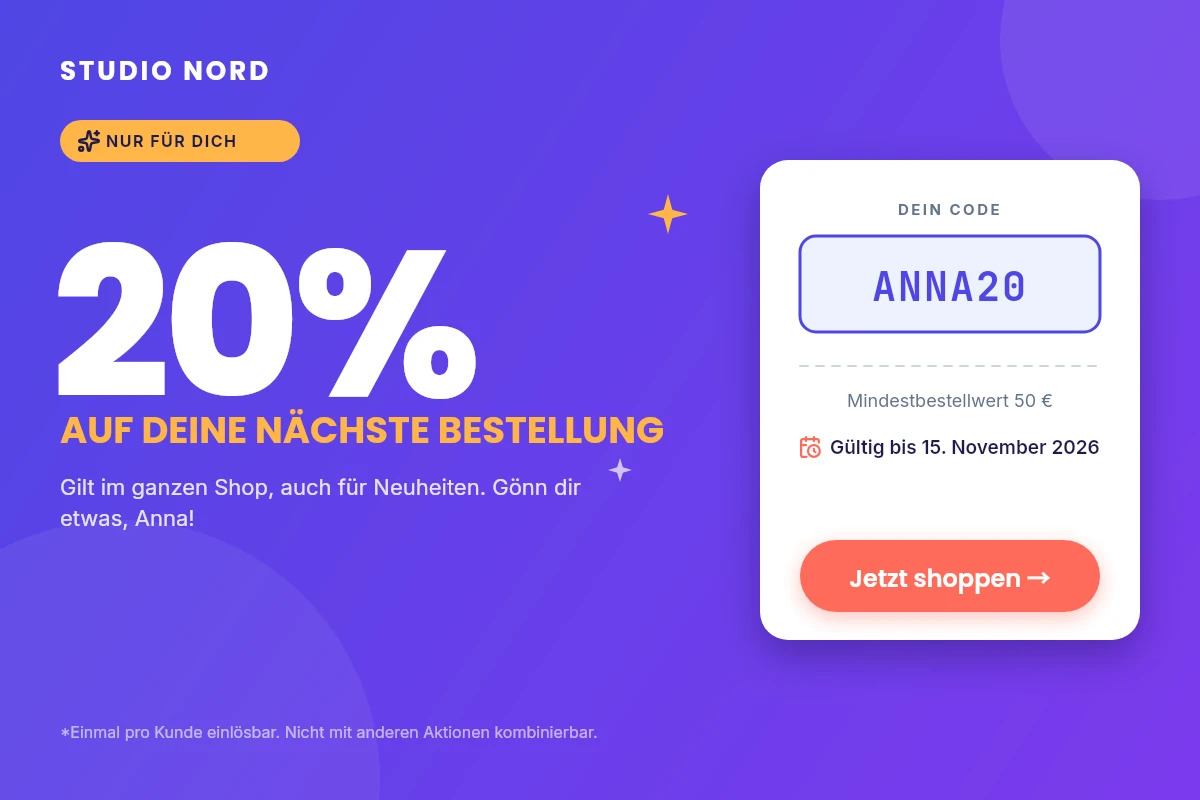
  • The same store coupon in German German
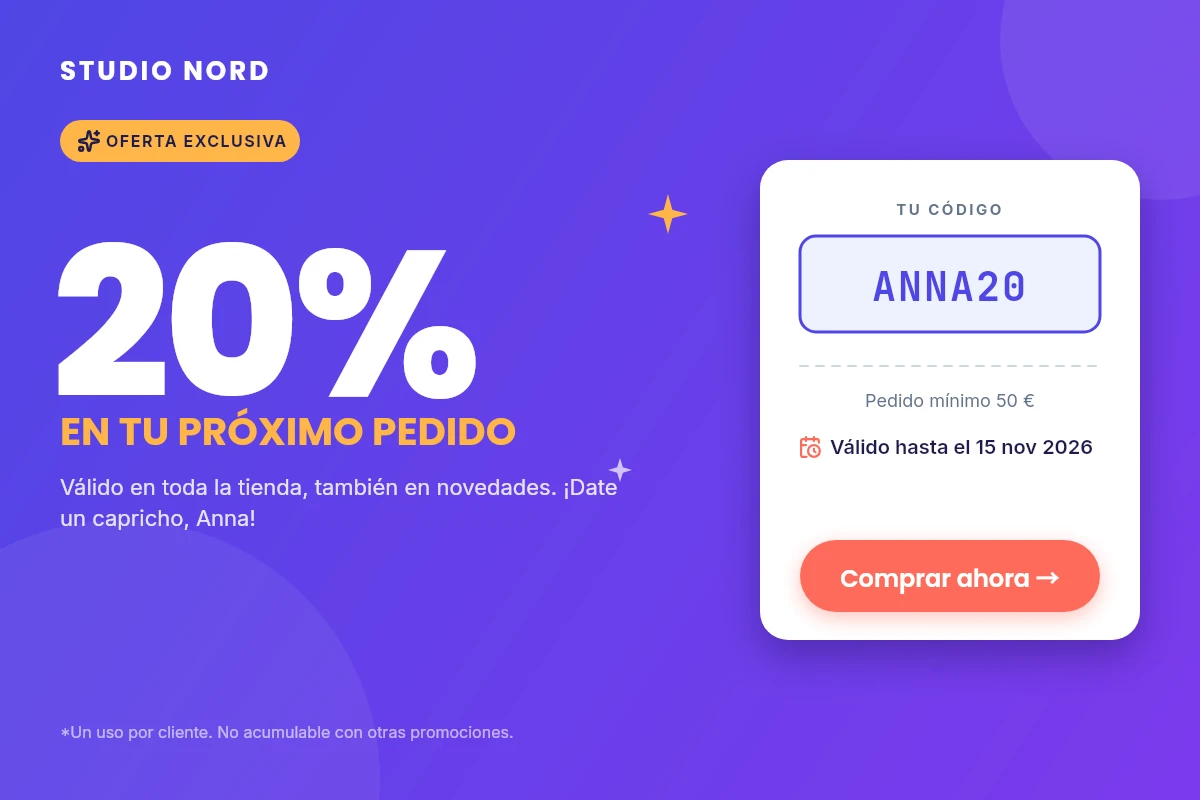
  • The same store coupon in Spanish Spanish
Built for output that has to be right

AI image models guess. Zandovi renders exactly what you send.

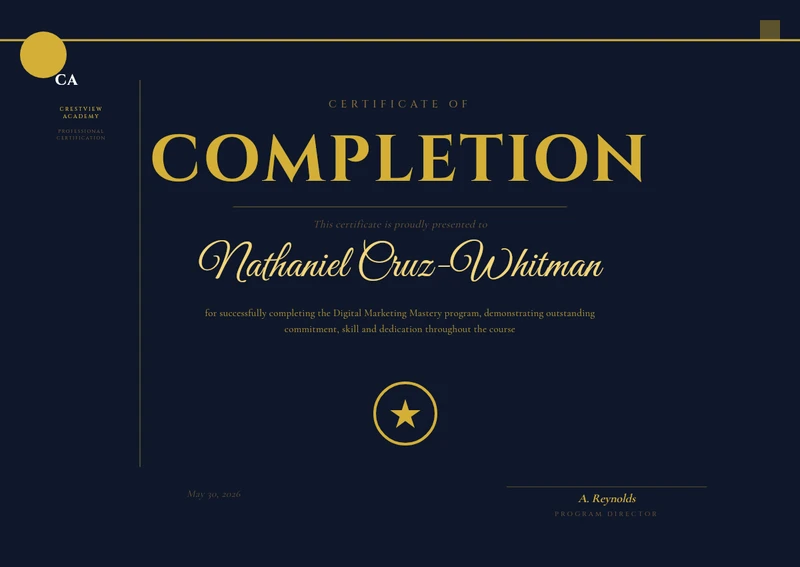
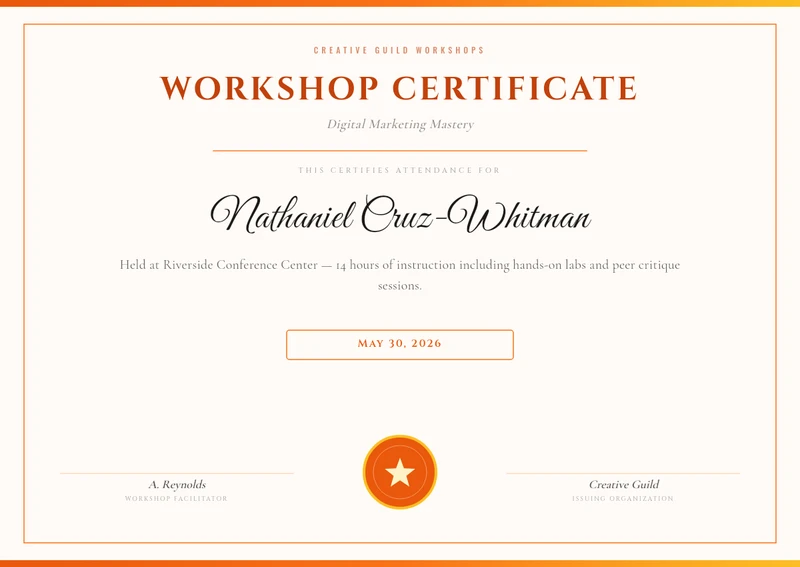
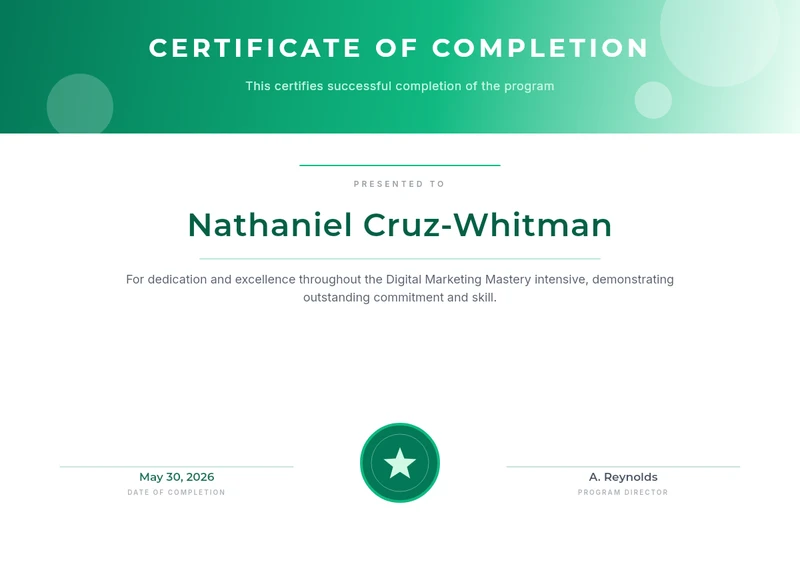
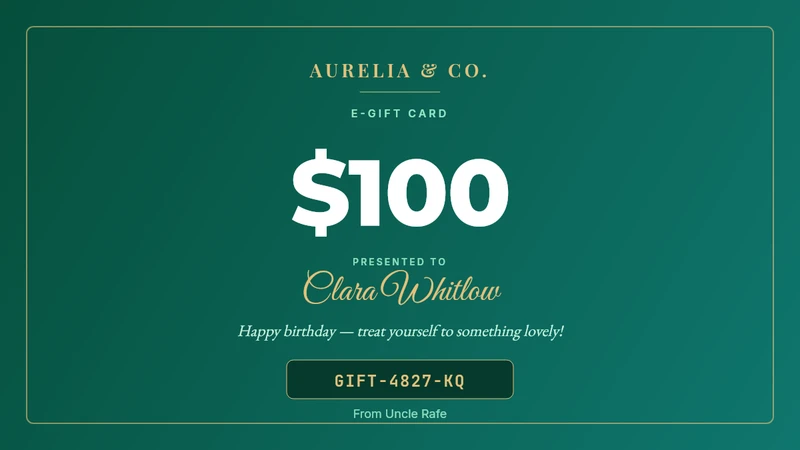
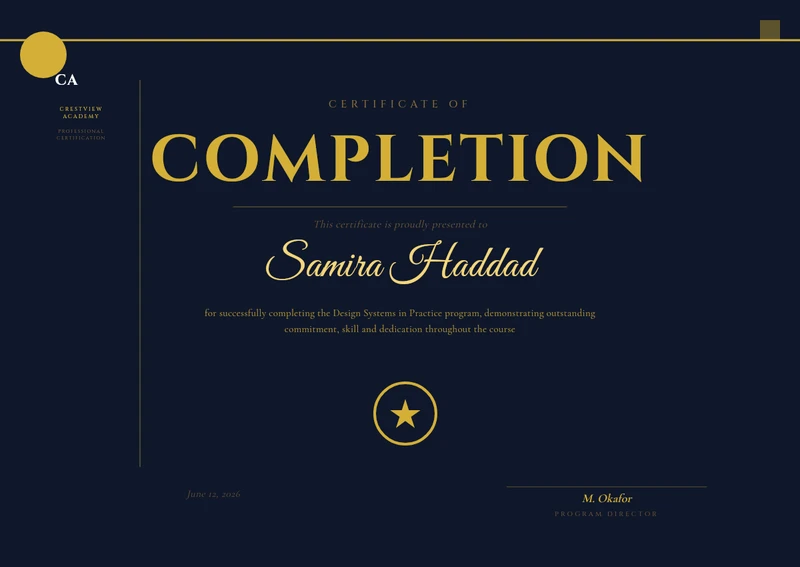
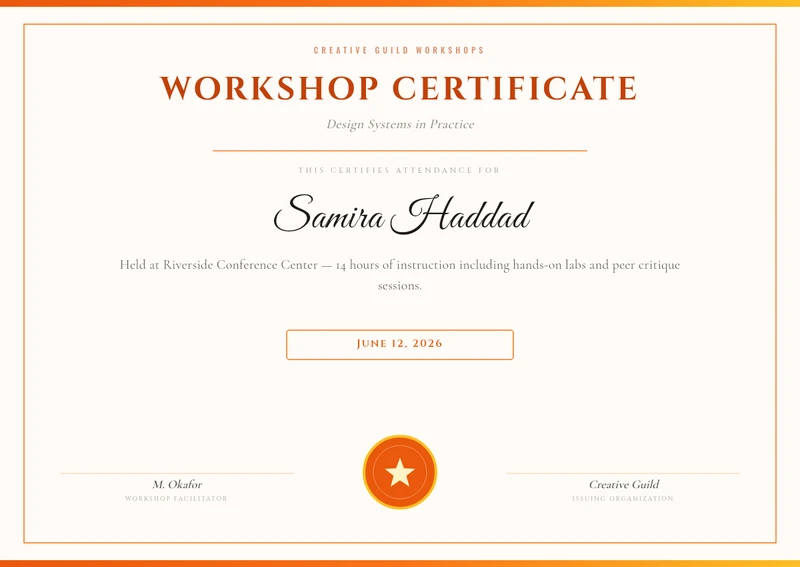
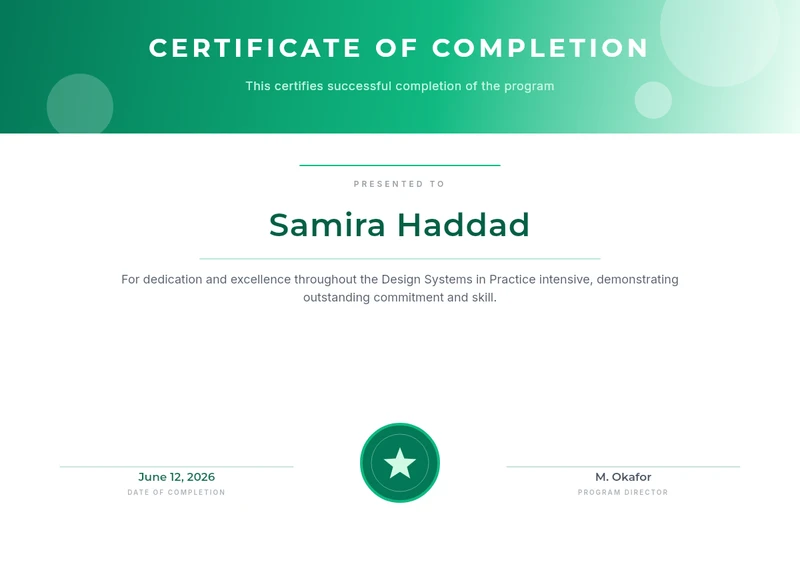
A misspelled name on a certificate or a gift code that will not scan becomes a support ticket. QR codes, barcodes and print PDF are on every plan, Free included.

QR codes and barcodes that scan

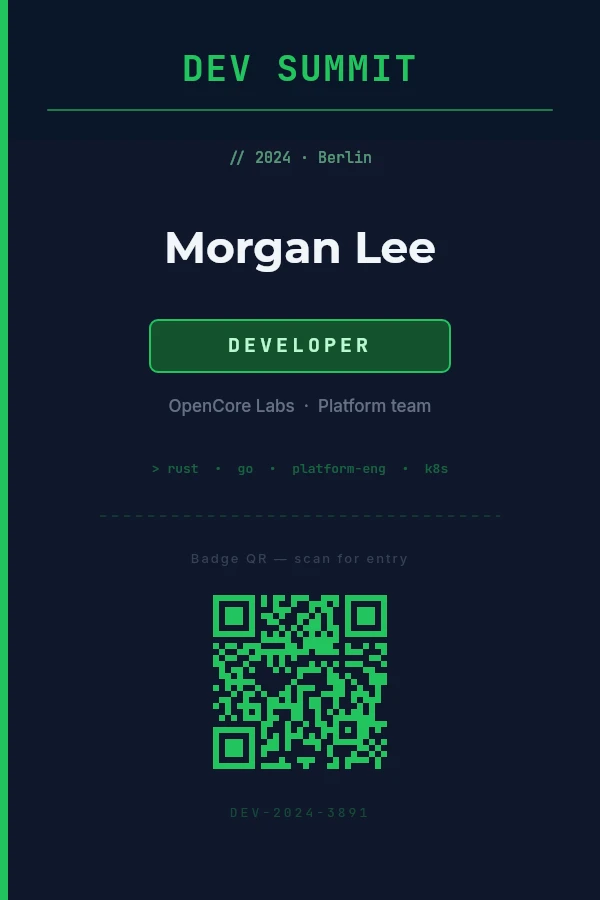
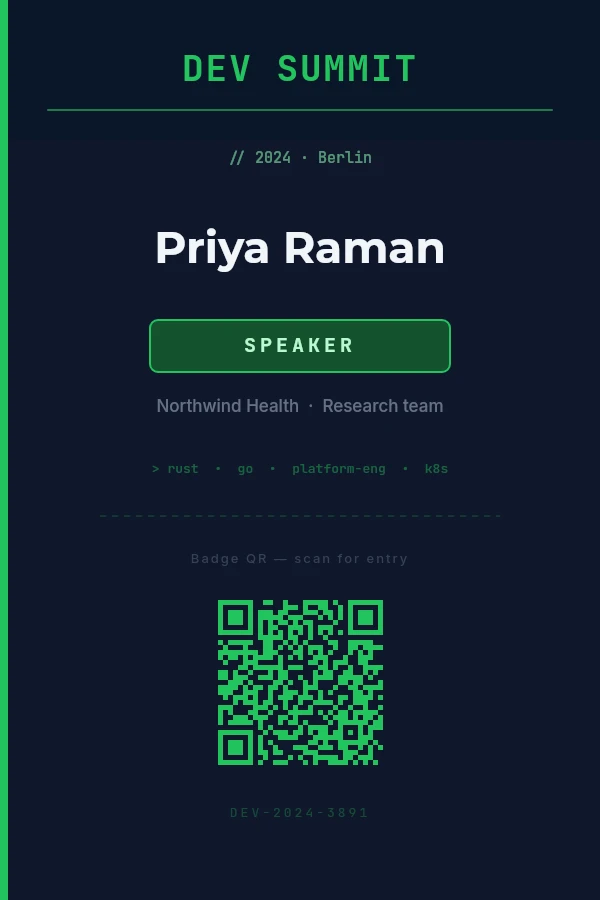
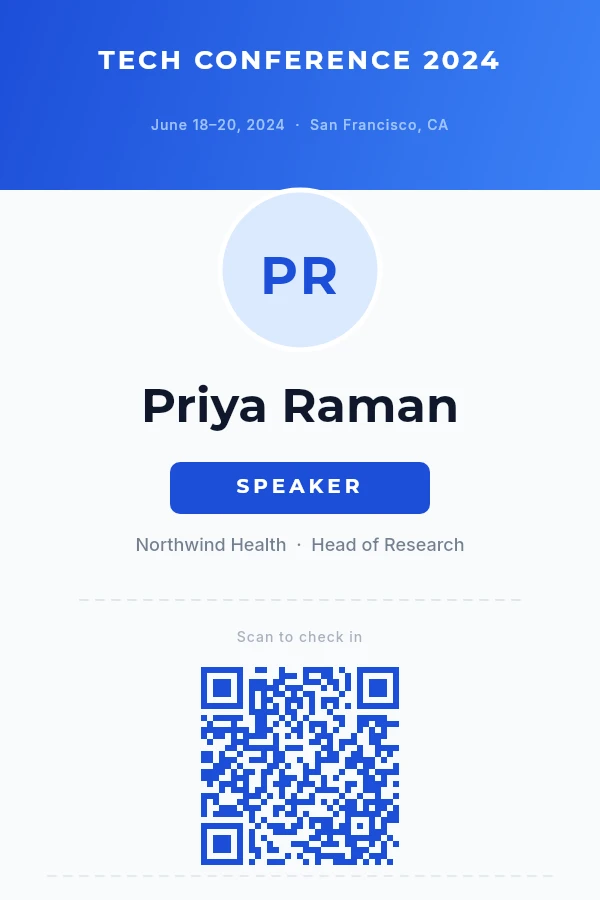
QR, Code 128, EAN-13, UPC, Code 39 and ITF-14, each bound to a variable and drawn sharp at any size.

Learn more

Print-ready PDF

300 DPI, print boxes and real paper sizes in millimetres or inches, from A5 on Free up to A3 on Studio and above.

Learn more

The same pixels every time

A deterministic renderer with no browser and no AI. What you see on the canvas is what every copy contains.

Every name, in every language

Zofia Łęcka, Søren Ødegård, 王芳, محمد. 57 font families plus a fallback chain for Chinese, Japanese, Korean, Arabic, Hebrew and Thai.

Learn more

Version history

Every save keeps the last 10 versions, with who saved it: a teammate, an API key or a connected AI app.

Learn more

Unlimited editor exports

On paid plans, exporting from the editor never touches your render quota. Only batches and API calls count.

Building this into your own product?

REST API, batch jobs, an n8n node and an MCP server. One POST returns one image or four hundred.

For developers
Plans

Start free. Pay when the list gets long.

Every plan includes the full API, the AI assistant connector, print-ready PDF, QR codes and barcodes. Upgrade for more renders, seats, larger prints or bigger batches. Prices exclude VAT / sales tax.

Free

For trying Zandovi.

$0

Free forever

  • 100 renders / mo — one shared pool
  • 1 seat
  • 1 project · 5 templates
  • Prints to A5 / postcards (300 DPI)
  • 25 batch rows per job
  • Full API + all formats (print-ready PDF)
  • 7-day public share links
  • Community support
Start free

Studio

For a small team or studio.

$49 /mo

billed monthly

  • 12,000 renders / mo
  • Unlimited web renders*
  • 3 seats — roles & shared workspaces
  • Unlimited projects & templates
  • Prints to A3 / large-format (8K)
  • 200 batch rows per job
  • 60-day share links
  • Everything in Personal
  • Email support
Get started

Team

For collaborating teams.

$79 /mo

billed monthly

  • 25,000 renders / mo
  • Unlimited web renders*
  • 5 seats — roles & shared workspaces
  • Prints to A3 / large-format (8K)
  • 300 batch rows per job
  • 90-day share links
  • Everything in Studio
  • Priority email support
Get started

Business

For high-volume operations.

$199 /mo

billed monthly

  • 100,000 renders / mo
  • Unlimited web renders*
  • 10 seats — roles & shared workspaces
  • Prints to A3 / large-format (8K)
  • 400 batch rows per job
  • 180-day share links
  • Everything in Team
  • Priority email support
Get started

* Unlimited web renders — on every paid plan, exporting by hand from the editor is unlimited and never counts against your monthly render quota. We only meter automation: API calls and batch rows. Fair-use rate limits apply.

All prices exclude VAT / sales tax, which is calculated and added at checkout based on your location. 1 render = 1 image or 1 PDF — no format multipliers. Failed renders are automatically refunded to your quota.

Questions

Frequently asked.

Everything you'd want to know before trying Zandovi.

Can I print these?
Yes. Export a PDF at 300 DPI with print boxes, sized in millimetres or inches. Free prints up to A5, Personal up to A4, and Studio, Team and Business up to A3.
How is this different from Canva Bulk Create?
Canva is a great design tool with a manual bulk feature. Zandovi adds QR code and barcode variables, a batch API with a signed callback, access from AI assistants, and rows checked before a job is billed, so the same template serves a one-off event and your own product.
Does it work with Claude and ChatGPT?
Yes. Add https://mcp.zandovi.com/mcp as a connector in Claude, ChatGPT (on plans with Developer mode), Claude Code, Cursor or VS Code, sign in and pick a workspace. Your assistant can design, edit and render templates. Renders count against the same quota as the API; checking a design is free.
Is Zandovi an AI image generator?
No. Zandovi renders your template with your data, the same way every time. An AI assistant can design the template for you, but the copies themselves are never invented by a model, so every name, code and QR comes out exactly as supplied.
How does batch generation work?
Design a template with variables using {{name}} syntax, then submit your data — upload a CSV in the app, or POST a rows array to /api/v1/batch-jobs from your backend. Zandovi generates a personalized export per row and hands back a ZIP. Poll the job, or give it a callbackUrl and be told when it finishes.
What export formats are supported?
PNG, JPEG, WebP and PDF at up to 4096×4096 px with full quality control. Every format takes a 1–4× scale multiplier for print-ready output.
Is there an API?
Yes. Public API keys let you generate designs server-side from any language — one POST for a single image, or a batch job for a whole set. Perfect for sending personalized email graphics, order confirmations, or dynamic social images.
Can I get a URL instead of a file?
Yes. Click Share on any render in the editor, or add delivery: "link" to an API call, and you get a public URL for the image — no bucket, no CDN, no cleanup job to build. Ideal for <img> tags in transactional email and for automation tools that handle JSON more comfortably than binary.
How long do share links last?
Every link carries an expiry set by your plan — seven days on Free, thirty on Personal, up to a hundred and eighty on Business. When it lapses the image is deleted and the URL stops resolving. You can revoke a link earlier at any time, and anyone holding the URL can open it until you do — treat them as unguessable, not private.
How do teams and organizations work?
Invite teammates to a shared organization. Control member roles, share templates and projects across the team, and scope billing per org. Each user can belong to multiple organizations.
What about QR codes and barcodes?
Both are first-class citizens. Drop a QR or barcode element onto any template, bind it to a variable, and every generated design gets its own scannable code.
Ready when you are

Your next campaign is one row of data away.

Start from a template or ask your AI assistant for one, fill in what changes, and get every image exactly right.

100 free renders a month · No credit card required